If you’re running a retail store, warehouse, office building, or any business where employee safety is on your mind, a panic button alarm system might be one of the smartest investments you’ll make. These systems provide immediate alert capabilities when a threat or emergency occurs, turning a dangerous situation into one where help arrives faster. Unlike traditional security measures that rely on cameras or locks, panic buttons give your team a direct line to authorities and management with a single press. In 2026, modern panic button systems are more accessible, feature-rich, and affordable than ever. This guide walks you through what these systems are, how to choose one, and how to set it up properly for maximum effectiveness.
Table of Contents
ToggleKey Takeaways
- A panic button alarm system provides immediate emergency alerts that bypass normal communication channels, connecting employees directly to monitoring centers or police dispatch within 2–5 seconds of activation.
- Choose between hardwired wall-mounted systems for fixed locations, mobile app systems for flexibility, or hybrid setups that combine both for comprehensive coverage across your business.
- Response time and GPS location data are critical features—ensure your panic button system automatically transmits location information and integrates directly with local law enforcement for maximum effectiveness.
- Employee training and maintenance are essential; conduct scenario drills twice yearly, establish monthly battery checks for wearable buttons, and keep staff informed about panic button locations and activation procedures.
- A monitored panic button system creates an official emergency record and ensures response even if the employee becomes incapacitated, making it more reliable than unmonitored alternatives.
What Is a Panic Button Alarm System?
A panic button alarm system is a device or app that transmits an emergency alert to a monitoring center, police dispatch, or designated managers when activated. Think of it as a silent shortcut to help during a crisis, no shouting required. The button itself can be a wall-mounted unit, a wearable pendant, a keychain fob, or even a smartphone app. When pressed, it triggers an immediate notification that something’s wrong, bypassing normal communication channels.
These systems come in two basic varieties: monitored and unmonitored. Monitored systems connect to a professional monitoring center that verifies the alert and dispatches emergency services or management. Unmonitored systems send alerts directly to your phone or designated staff without third-party verification. For businesses, monitored systems are generally more reliable because they create an official record and ensure someone acts even if the employee who pressed the button becomes incapacitated.
Panic button systems differ from standard alarm systems because they’re specifically designed for immediate, manual activation in life-threatening situations, robbery, assault, medical emergency, rather than detecting intrusion or fire after the fact. They’re a proactive safety layer, not a reactive security measure.
Key Features to Look For in a Business Panic Button System
When evaluating a panic button system for your business, several features separate a good system from a mediocre one. First, verify that your system integrates with local law enforcement dispatch. A direct connection to police is non-negotiable: any system that only alerts your manager is incomplete. Look for redundancy, cellular backup, WiFi, and hardwired options, so your alert gets through even if one connection fails.
Durability matters. Your panic button will sit on a desk, wall, or keychain where it might get bumped, spilled on, or dropped. Check the IP rating (IP65 or higher for business environments) and drop-test ratings. Battery life on wearable buttons should exceed 30 days between charges: anything less creates liability gaps when an employee forgets to charge their device.
User-friendness is critical. Employees under stress don’t have time to navigate menus. The button activation should require intentional action, not accidental triggers, but still be simple enough that anyone can use it in panic. Test the interface yourself: if you fumble, your staff will too.
Response Time and Alert Capabilities
Response time is where panic button systems prove their worth. The best systems alert a monitoring center within 2–5 seconds of pressing the button. Slower systems, those taking 15+ seconds, defeat the purpose in fast-moving emergencies.
When the alert triggers, the system should transmit your location data automatically. GPS-enabled mobile apps and networked wall units do this: standalone buttons without location awareness are less useful because responders waste precious seconds figuring out where to go. Confirm your system includes audio verification, the monitoring center should be able to hear ambient sound from the panic button location, giving them real-time situational awareness.
Also ask about escalation protocols. What happens if the monitoring center can’t reach management? Does it go directly to police? How are repeat alerts handled? A well-designed system creates clear rules so responders know exactly what to do without delays.
Types of Panic Button Systems for Different Business Needs
Business panic button systems fall into three main categories, each suited to different setups and budgets.
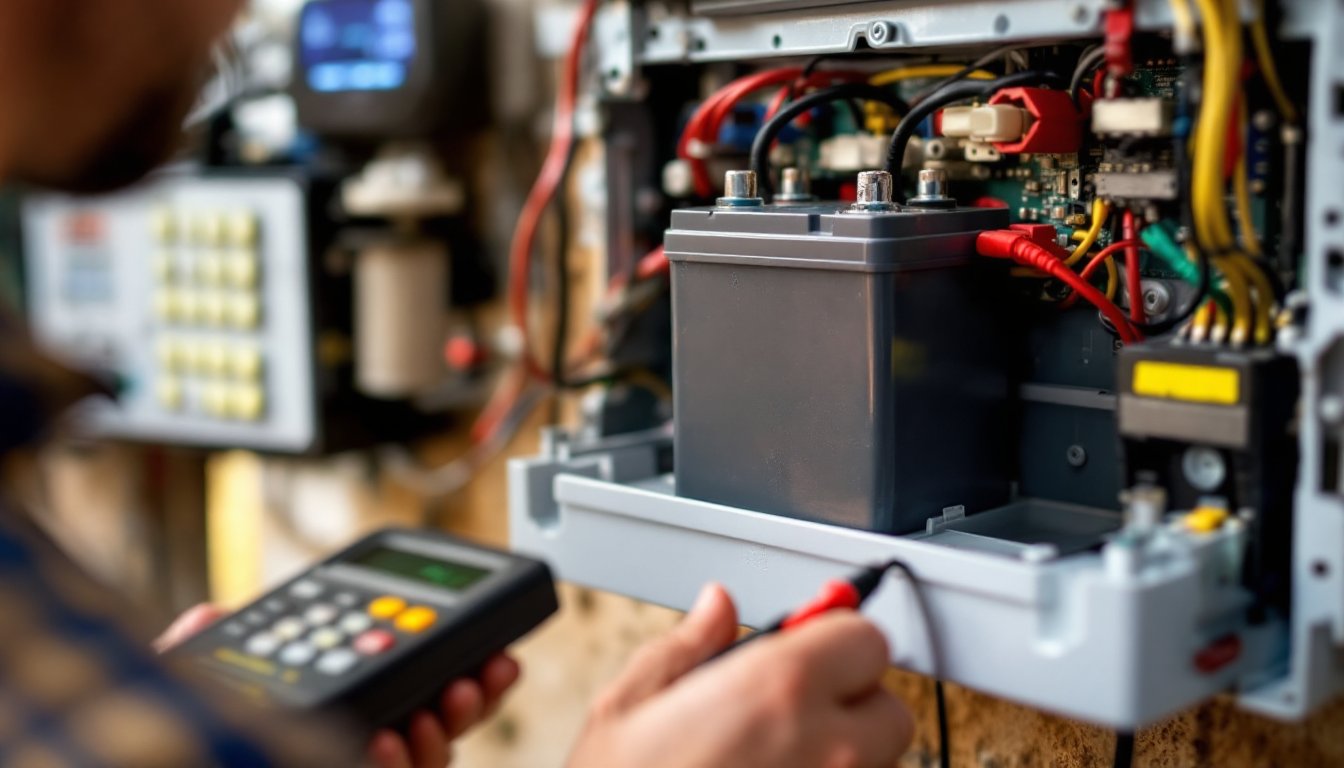
Hardwired wall-mounted systems are the traditional choice for retail, banks, and offices. They bolt to a desk or wall behind the counter and connect directly to your alarm company’s monitoring center via landline or broadband. Advantages: rock-solid reliability and no batteries to manage. Disadvantages: expensive installation (often $300–$500 per unit), limited mobility, and you’re stuck at a desk. These work best for one or two high-risk locations like a cash register.
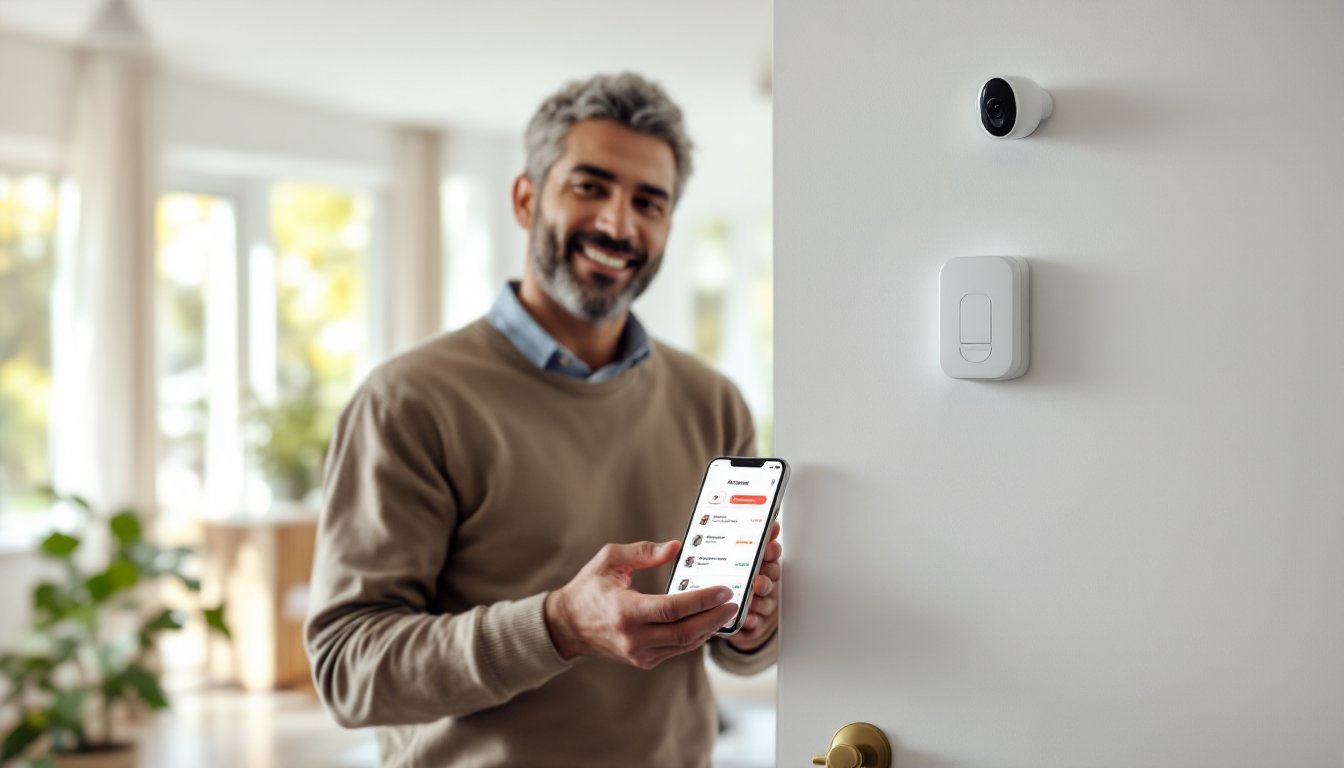
Wireless and mobile app systems have exploded in popularity. Your staff carries a wearable pendant, keychain fob, or smartphone app that connects via cellular or WiFi. Brands offering these range from basic alert apps to enterprise-grade platforms. Advantages: full mobility, affordable ($30–$100 per employee per month), easy to deploy across multiple locations. Disadvantages: dependent on cellular coverage and employee compliance: if your employee doesn’t carry their button, it can’t help them. These suit larger businesses with dispersed teams.
Hybrid systems combine wall buttons in fixed locations with mobile options. A retail store might have a panic button at every cash register (hardwired) plus wearable pendants for store managers (wireless). This covers both scenarios: the employee stuck at the counter and the manager walking the floor. Hybrid setups cost more upfront but provide comprehensive coverage.
For a small business, online alarm systems with mobile panic buttons are often the most practical starting point. For larger operations or high-risk locations, a combination approach works better.
How to Install and Set Up Your Panic Button System
Installation complexity depends on your system type. Mobile app systems are the simplest: your provider sends you a link, employees download the app, verify their identity, and they’re live within minutes. No tools, no wiring, no contractor needed.
Hardwired wall-mounted buttons require professional installation in most cases. They need to connect to your alarm panel or a dedicated monitoring line, which involves running wiring through walls or ceilings, work that might trigger local building code requirements or permit needs. Some jurisdictions treat panic button installation like any alarm system installation and require a licensed technician. Check with your local building department or alarm company before starting.
Setup steps for hardwired systems typically look like this:
- Determine placement. Install buttons at high-risk locations: cash registers, back offices, loading docks, anywhere cash or inventory is handled. Ideally, each location should have at least two buttons in different spots so one is always within reach.
- Run power and signal lines. If hardwiring, route cables behind walls or through conduit. Avoid creating tripping hazards or running lines where they’ll get damaged.
- Connect to your monitoring center. Provide your alarm company with a test signal to confirm the connection. Ask them to run a full system test.
- Program backup numbers and escalation. Make sure the monitoring center has your phone number, manager contact info, and police station address or dispatch code.
- Install and test wearable units. Pair wireless fobs or apps to your account, test their range and battery function, and train staff before deploying.
Most common mistake: Skipping the user training phase. A button nobody knows how to use is useless. See the maintenance section below for training details.
Best Practices for Panic Button System Maintenance and Training
Once installed, your panic button system requires ongoing care to function when needed. For hardwired buttons, your alarm company should conduct quarterly testing to confirm the line is live and the connection to the monitoring center is active. Test one button per quarter in rotation so you’re not disrupting operations. Document each test, timestamps, results, and any faults, so you have a maintenance record.
For wireless and mobile systems, battery management is critical. Set a monthly reminder for employees to charge their wearable buttons. Some systems send low-battery alerts to your management app: enable these notifications. Replace batteries in standalone fobs annually even if they’re not dead. Store backup batteries in your office and keep spare fobs charged and ready.
Employee training is where most panic button systems fail. Many businesses install buttons but never tell staff they exist. Here’s a practical training approach:
- Initial setup meeting: Demonstrate where buttons are located. Have each employee hold a button and practice the activation motion without pressing it. Explain what happens after they press: the monitoring center gets an alert, they may hear a voice asking for confirmation, help gets dispatched.
- Scenario drills: Twice yearly, conduct unannounced drills (let your monitoring center know in advance, or use test mode). Have employees practice activating the button under simulated stress. This builds muscle memory and reveals any design flaws.
- Documentation: Create a one-page reference card with a photo of the button, its location, and simple instructions. Laminate it and post it near the button location.
- Refresher training for new hires: Every new employee gets a 5-minute walkthrough on your first day covering panic button location and use.
Reviewing your system’s effectiveness is also important. After any actual emergency activation, your monitoring center should provide a report detailing response times, what worked, and what didn’t. Use that feedback to improve. Top panic button providers like those reviewed at CNET’s panic button guide and Tom’s Guide’s rankings offer comparison tools to help you understand performance standards. If your system falls short, don’t hesitate to switch, your employees’ safety is too important to settle for mediocre response times.
Check your contract annually. Response time standards, monitoring center availability, and backup procedures should all be documented and tested. If your provider changes terms or drops performance, you have grounds to renegotiate or move to a competitor. Also, current smart home security trends show integration with broader building management systems is becoming standard, so consider whether your business would benefit from linking panic buttons to building access control or camera systems.
Conclusion
A panic button alarm system is one of the most straightforward and effective safety investments a business can make. Whether you choose a simple mobile app system or a full hardwired setup with wearable backups, the key is matching the system to your actual risk profile and committing to training and maintenance. Install it properly, test it regularly, and keep your team prepared. Your employees will feel safer, and you’ll have proof that you take their security seriously, which matters legally and ethically.