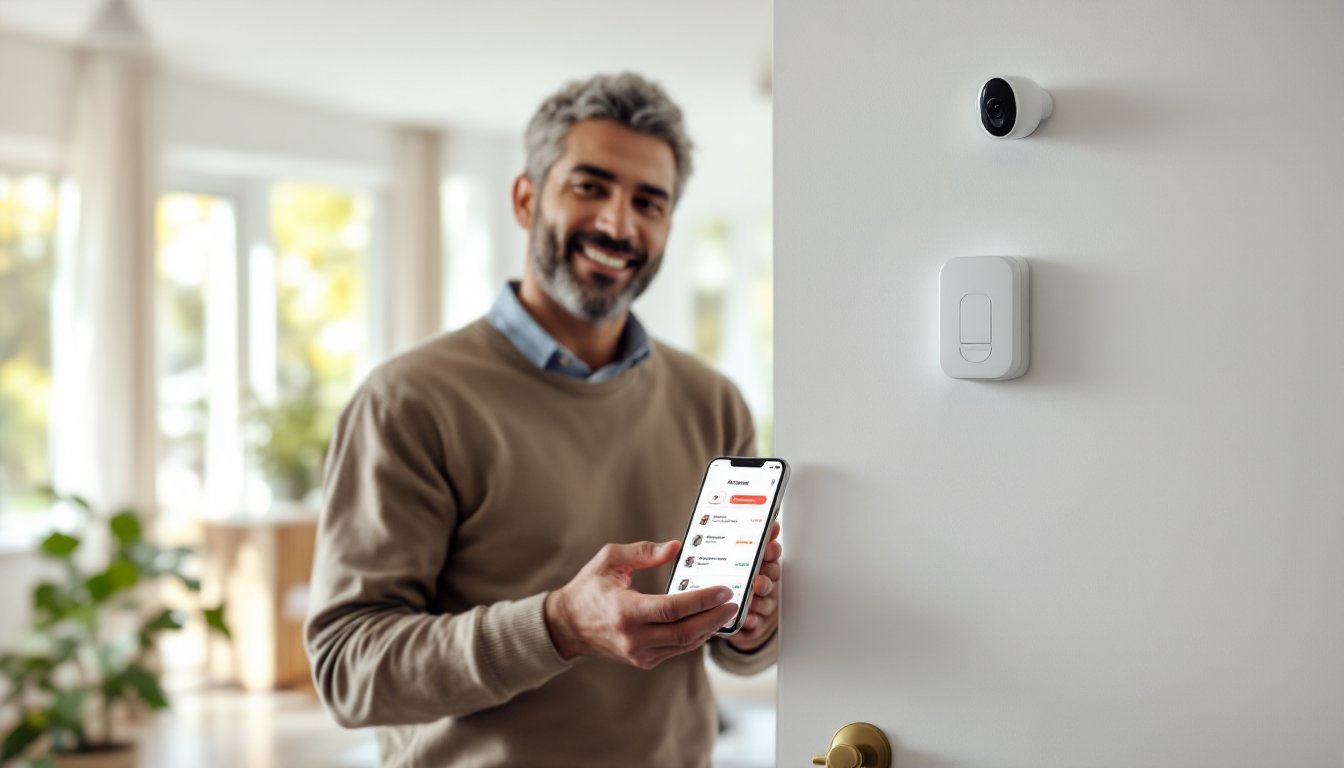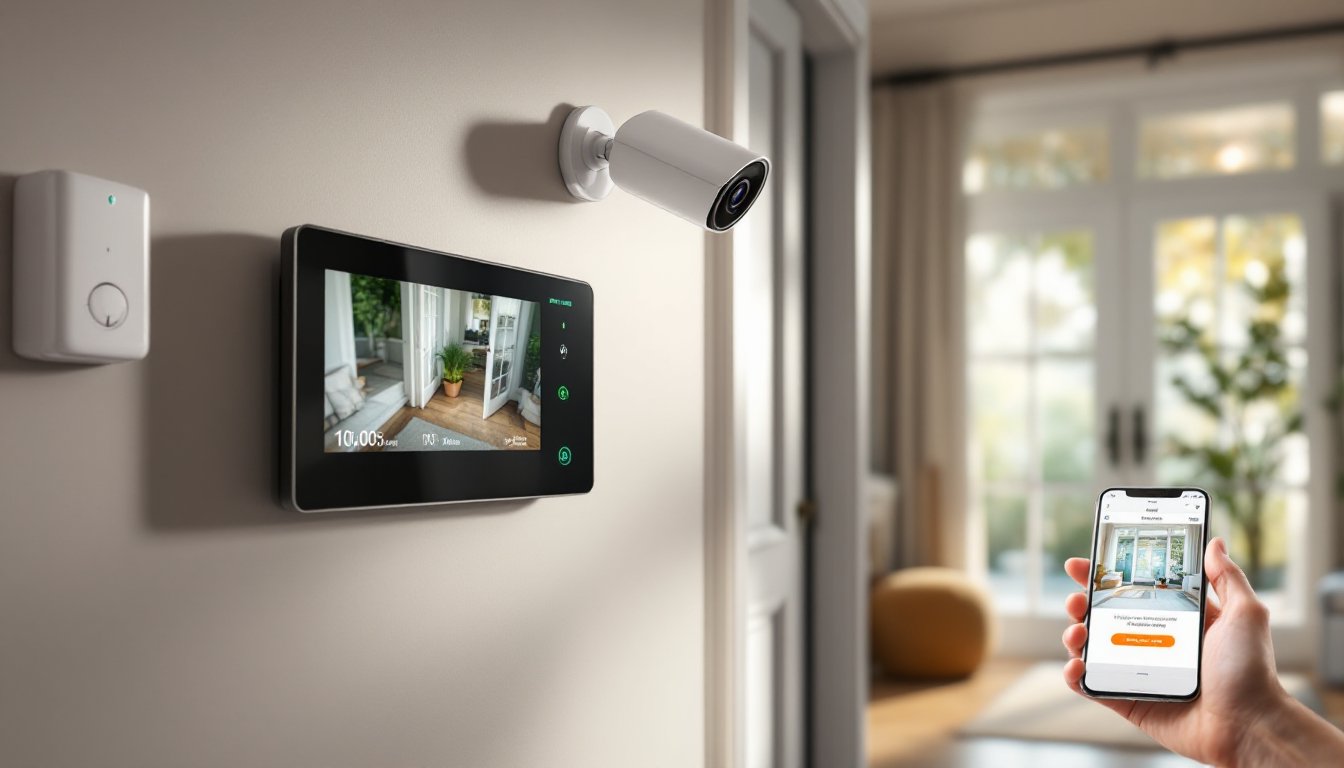
Your home’s security depends on speed and accuracy. A traditional alarm system alerts you to motion or a broken window, but it doesn’t show you what’s actually happening. Video verification alarm systems bridge that gap by combining motion detection with live camera feeds, so you, and your security company, can see threats in real time. This technology has become the standard for homeowners who want more than just an alarm: they want proof and fast response. In 2026, installing one is more affordable and straightforward than ever.
Table of Contents
ToggleKey Takeaways
- A video verification alarm system combines motion sensors with live camera feeds, allowing security operators and homeowners to confirm real threats in real time before police dispatch, significantly reducing false alarm fees.
- Video verification systems typically cost $1,500–$4,000 upfront but pay for themselves within 3–5 years through reduced false-alarm fines (up to $100 per incident) and insurance discounts of 10–20%.
- Most modern video verification setups use hybrid technology pairing wireless sensors with wired or PoE cameras, making DIY installation accessible without extensive drilling or wall modifications.
- Real-time alerts, remote monitoring via smartphone, and recorded footage provide homeowners with proof for insurance claims and greater control over their security, especially valuable for rental properties or multiple locations.
- Reliable internet (broadband with cellular backup) and a 120V AC powered hub with battery backup are essential for a functional video verification system that can send footage off-site and notify you remotely.
What Is a Video Verification Alarm System?
A video verification alarm system pairs traditional motion sensors and door/window contacts with IP cameras that stream live footage to your phone and security monitoring center. When a sensor is triggered, the system immediately pulls video from nearby cameras and sends it to trained operators or an app notification to you. Those operators can then confirm whether there’s a real threat, contact police, or alert you if it’s a false alarm. Unlike older systems that send out an alarm signal and hope someone responds, video verification gives you a clear picture before action is taken.
The core difference from standard alarms is the verification step. A pet running past a motion sensor in a traditional system triggers an alarm: that same sensor in a video verification setup gets evaluated by live video before any response happens. This reduces false alarms significantly and gives emergency responders better information about what they’re walking into.
Key Benefits for Modern Homeowners
The most obvious benefit is fewer false alarms. Police response fees in many jurisdictions charge you for false calls, sometimes up to $100 per incident. Video verification cuts those penalties because operators confirm threats before dispatch.
You also get faster response. When police can see footage showing a break-in in progress, or clear evidence there isn’t one, they act with confidence and speed. Real-time alerts mean you’re aware of threats the moment they happen, even if you’re at work or traveling.
Insurance is another win. Many homeowners with video verification systems qualify for lower premiums because the risk profile improves. Talk to your insurance agent about possible discounts: some carriers offer 10–20% savings for monitored video systems.
Remote monitoring matters too. A quality video verification setup lets you check live feeds from your phone, watch recorded clips, and receive alerts with thumbnail snapshots. You’re not dependent on a security company alone: you’re part of the monitoring loop. This is especially valuable if you rent out part of your home, have multiple properties, or need proof of break-ins for insurance claims.
How Video Verification Technology Works
The system consists of three key layers: sensors, cameras, and the monitoring center. Sensors (usually wireless, 433 MHz or Zigbee standard) detect motion, door/window opens, or glass breaks. When triggered, they send a signal to the hub, your system’s brain, which is usually a touchscreen panel powered by 120V AC with a battery backup (12V DC).
The hub communicates with IP cameras (both wired PoE and wireless models are common) and transmits the alert to the monitoring center via broadband or cellular backup. The operator reviews video within seconds, decides if there’s a genuine threat, and either contact you or dispatch authorities.
The Detection and Camera Integration Process
Detection starts at the sensor level. A passive infrared motion detector reads heat signatures: a door sensor uses a magnet and reed switch to detect opening: a glass-break sensor listens for the acoustic signature of breaking glass (around 40 Hz and above). These don’t require batteries in wired systems, but wireless models do, typically last 2–5 years depending on traffic.
Camera integration happens automatically. When a motion sensor triggers, the system’s software records a 10–30 second clip from the nearest camera (most systems let you choose which cameras associate with which sensors). That footage is either sent to cloud storage or stored locally on a network video recorder (NVR). The monitoring center receives a link or live stream simultaneously. Some systems also use AI to filter out false alarms: Deep Sentinel cameras, for example, use machine learning to identify human intruders versus pets or weather changes.
Cloud storage (typically 30–90 days of motion-triggered clips) costs $10–30 per month depending on resolution and camera count. Local storage via an NVR eliminates cloud fees but requires an extra device and maintenance.
Installation and Setup Considerations
Most video verification systems today are hybrid: wireless sensors pair with wired or PoE cameras. This flexibility is huge for DIY homeowners. Wireless sensors require no drilling: you mount them with adhesive strips. PoE cameras need low-voltage cable (usually Cat5e or Cat6) run to each location, that’s more labor but ensures reliable power and data.
Before installation, walk your home and identify key zones: entry doors, garage, main living areas, and blind spots. Typically, you’ll need one camera per 30 feet of monitoring distance, though wide-angle lenses (100+ degrees) reduce camera count. A 2,000 sq ft home usually requires 3–5 cameras.
Wired systems (running 18/2 or 22/2 alarm cable to sensors) offer the most reliability but demand wall fishing, drilling, and sometimes permits for extensive work. Wireless setups avoid this but depend on RF range (usually 100–150 feet through walls). Test wireless sensor placement before committing: interference from cordless phones, microwaves, or dense metal studs can cause drop-outs.
Power matters. The main hub needs 120V AC (hardwired is best, not outlet-dependent). Battery backup, a 12V DC battery in the panel, keeps the system alive for 24 hours if power fails. Cameras need either PoE from a switch, 120V outlets, or batteries (wireless models). Wireless cameras typically last 6–12 months on batteries under normal conditions: check specs before buying.
Internet is non-negotiable. Broadband (cable, fiber, or fixed wireless) is the primary path: cellular backup ($10–20/month) is standard and recommended. A video verification system without internet is just a local alarm, it can’t send footage off-site or notify you remotely.
Where permits are needed depends on jurisdiction. A simple wireless sensor and camera setup usually doesn’t require permits, but hardwired systems that involve wall modifications or electrical work might. Check with your local building department: it takes a phone call. The effort is worth it if you’re doing extensive work.
Comparing Video Verification to Traditional Alarm Systems
A traditional alarm system (contact sensors and motion detectors without cameras) costs less upfront, typically $500–1,500 installed, versus $1,500–4,000 for video verification. Monitoring fees are similar: $25–50/month for either type.
The tradeoff is response quality. Traditional alarms trigger a siren and send a signal to the monitoring center: the operator calls you to verify the alarm. If you don’t answer or can’t confirm, they dispatch police based on your account information alone. Police may arrive to find nothing, or they might miss a genuine intrusion because there’s no visual evidence.
Video verification eliminates that middle step. Operators see what’s happening and can direct police more precisely. False alarm fees drop, insurance premiums often decrease, and response time improves. The higher upfront cost typically pays for itself within 3–5 years through reduced false-alarm fines and insurance savings.
Another angle: a wired home alarm system offers the most dependable coverage but requires professional installation, whereas video verification is increasingly DIY-friendly thanks to wireless sensors and cloud platforms. You can start with a motion detector alarm system and add cameras later. Hybrid approaches work well for budget-conscious homeowners.
If you’re renting or want future-proof tech, an online alarm system with video capabilities gives you control from anywhere and works with multiple security platforms. Renters appreciate systems that don’t require hardwiring or wall modifications.
Conclusion
Video verification alarm systems offer modern homeowners real-time security confirmation, lower false-alarm costs, and often insurance discounts. The technology is proven, affordable, and increasingly accessible for DIY installation. Whether you’re building a system from scratch or upgrading from a traditional alarm, starting with a clear site survey and understanding your internet and power setup ensures smooth deployment. Consult product reviews and testing from industry sources to compare models, and don’t skip the monitoring service, it’s the engine that makes verification work.