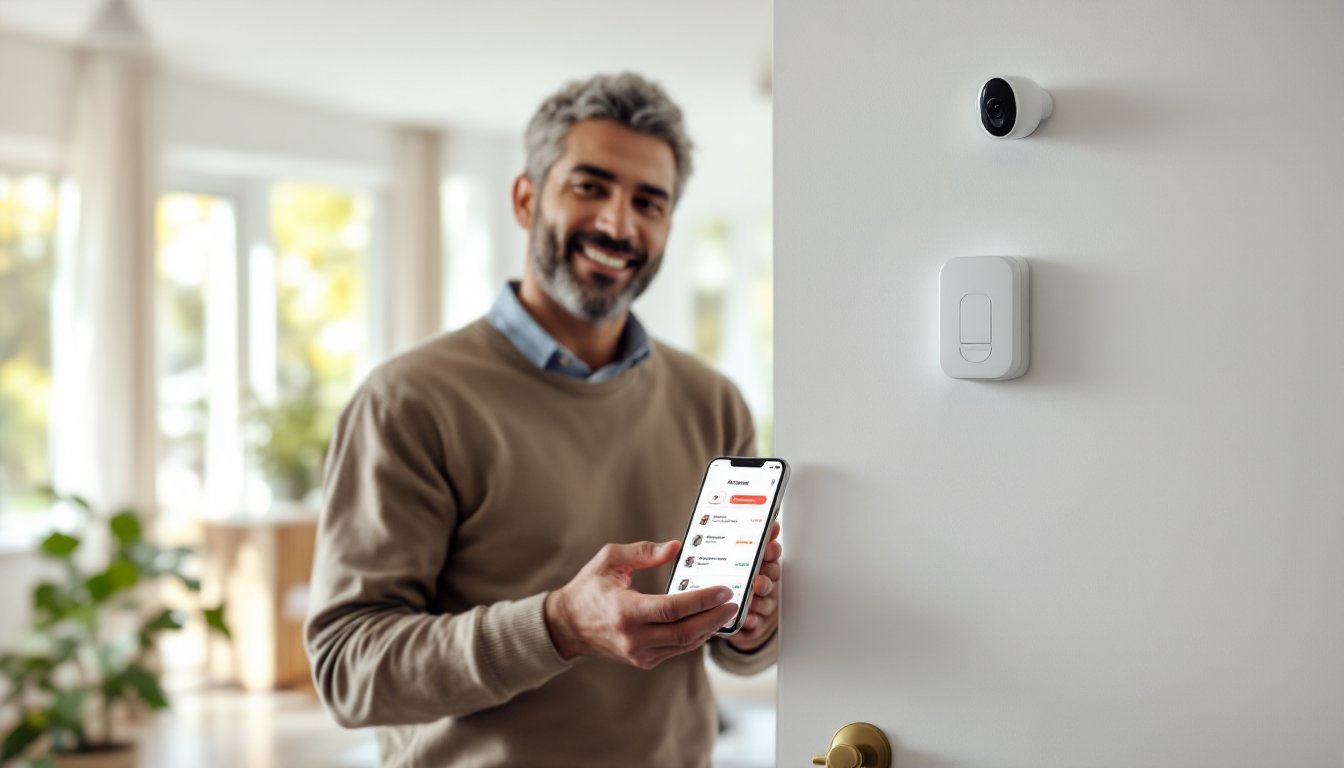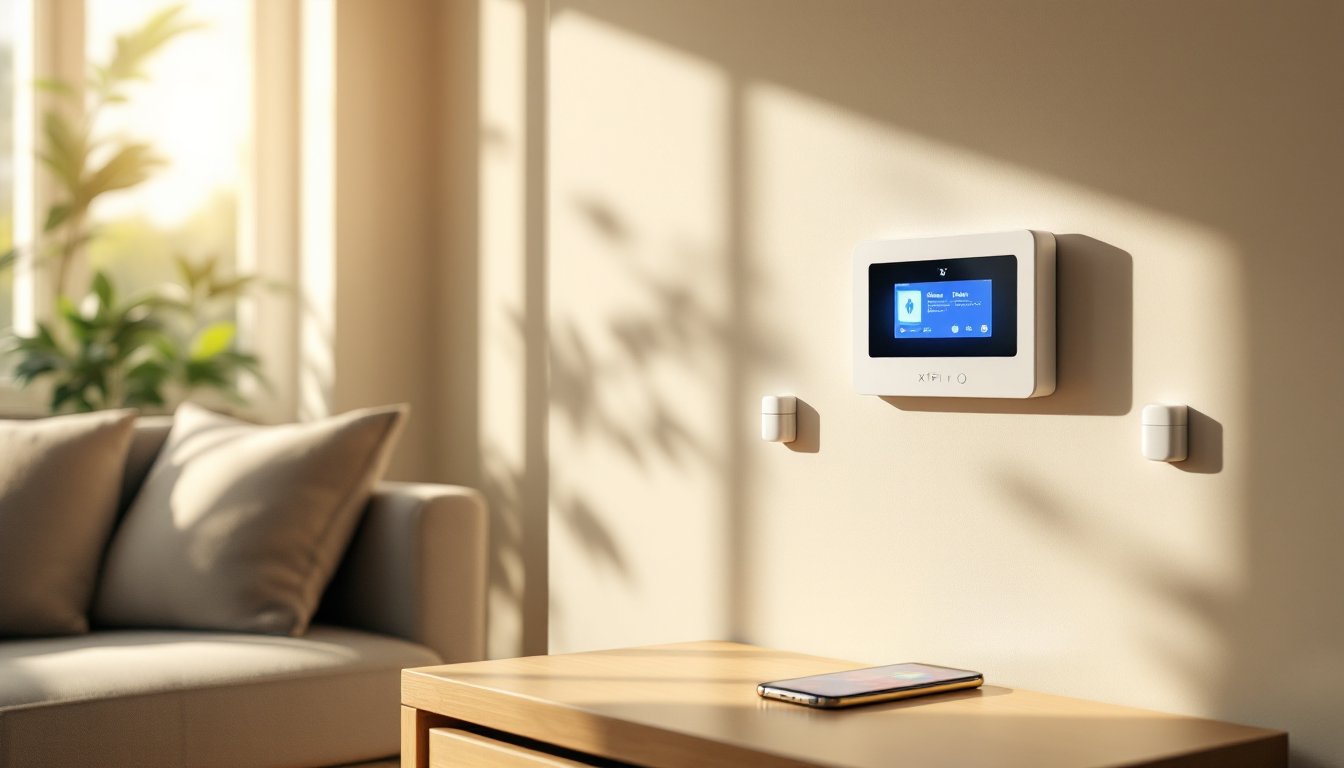
If you’re considering upgrading your home’s security, the Xfinity home security system has become a go-to option for many homeowners looking for an integrated solution. Whether you’re protecting a small apartment or a larger house, this system combines ease of use with solid functionality at a competitive price point. The beauty of the Xfinity home alarm system lies in its flexibility, you can customize it to fit your needs without getting locked into a long-term contract that drains your wallet. In this guide, we’ll walk through what the system actually does, how to set it up, what it costs, and most importantly, whether it’s the right fit for your home’s security needs.
Table of Contents
ToggleKey Takeaways
- The Xfinity home security system combines professional monitoring, mobile app control, and smart home integration without long-term contracts, making it flexible for homeowners who want peace of mind.
- Existing Xfinity internet customers can save 15–25% by bundling their security system, with monthly professional monitoring ranging from $30–$50 depending on location and service tier.
- Installation is quick and affordable: professional installation costs $99–$149 with 24/7 support, or you can self-install for free in 30–45 minutes if you’re comfortable with basic setup.
- The system’s reliance on internet connectivity is its main limitation; consider cellular backup ($5–$10 monthly) if broadband outages are frequent in your area.
- Smart sensors with motion detection reduce false alarms, wireless placement requires no drilling, and video integration with doorbell or security cameras adds evidence documentation if a break-in occurs.
- Xfinity home security works best for suburban and urban homeowners with reliable internet who want easy mobile access and professional dispatch without complex customization or long-term commitment.
What Is The Xfinity Home Security System?
The Xfinity home security system is a smart home protection platform bundled with Xfinity’s internet and cable services. It’s designed for homeowners who want professional monitoring, remote access, and integration with other smart home devices, all without the complexity of a bare-bones DIY system.
At its core, the system includes a control hub (sometimes called a panel), door and window sensors, motion detectors, and a mobile app that lets you arm or disarm the system from anywhere. Unlike some older-school systems, the Xfinity home alarm system doesn’t require a landline and works over your internet connection. This is crucial because if your internet goes down, backup cellular connection keeps monitoring active. The system connects to Xfinity’s professional monitoring center, meaning trained dispatchers can contact emergency services if an alarm triggers.
You don’t need to be tech-savvy to manage it. The control panel has a touchscreen interface that walks you through the basics, and if you run into trouble, customer support is available 24/7. It’s aimed at homeowners who want peace of mind without spending weeks tinkering with settings or learning complex programming.
Key Features And Capabilities
The Xfinity home security system offers a solid set of core features that cover most homeowners’ baseline security needs.
Smart Sensors and Detectors: Door and window sensors detect forced entry in milliseconds. Motion detectors can distinguish between a pet moving around and a human intruder, reducing false alarms. Each sensor communicates wirelessly to the hub, so no messy wiring through walls or drilling through studs.
Mobile App Control: You can arm your system, check sensor status, and receive alerts in real time on your smartphone. If a door opens when it shouldn’t, you’ll know immediately. Some systems let you unlock smart locks remotely, a handy feature if you need to let a contractor in while you’re at work.
Professional Monitoring: Unlike DIY systems that only notify you, the Xfinity system includes professional monitoring as an add-on. If an alarm triggers, the monitoring center contacts you first: if you don’t respond, they dispatch police or fire.
Integration with Smart Home Devices: The system works with compatible smart lights, thermostats, and locks. You can set up automation, for example, lights turn on automatically when motion is detected at night, or the door locks when you arm the system.
Video Integration: Some Xfinity packages include doorbell cameras or security cameras that record to cloud storage. Combined with the alarm system, you get video evidence if a break-in occurs. Recent home security system reviews consistently highlight video integration as a major advantage.
Installation And Setup Process
Here’s the good news: you don’t need a contractor license or a weekend warrior’s patience to set up the Xfinity home alarm system.
Professional Installation vs. Self-Install: Xfinity offers both. Professional installation runs $99–$149 and takes about an hour: a technician places sensors, tests connections, and walks you through the controls. If you’re handy and comfortable with basic drill work, self-installation is free and straightforward. Most homeowners can finish in 30–45 minutes.
Placing Sensors: Entry sensors go on doors and windows where someone could break in. The control hub sits in a central location, usually near your main breaker or in a hallway. Motion detectors work best in corners where they have a clear line of sight across a room. Avoid placing them directly facing a window: sunlight and exterior movement can trigger false alarms.
Network Requirements: The system needs a stable WiFi connection or a hardwired ethernet link to your modem. If your internet is spotty, consider upgrading your router or moving it closer to the hub. Xfinity’s cellular backup kicks in if your internet drops, so you’re not left unprotected during an outage.
Programming Zones: A “zone” is a sensor or group of sensors you can arm or disarm together. For example, you might have an “Entry Zone” for doors and a “Night Zone” for motion detectors upstairs. The app walks you through setting these up, and you can adjust them anytime. No special training needed.
If you’re extending circuits or adding hardwired components, familiarize yourself with your local electrical code. Many jurisdictions require permits for alarm system work, especially if you’re modifying your home’s electrical infrastructure. Check with your local building department before drilling into walls or running new circuits.
Pricing And Plan Options
Xfinity’s pricing is straightforward, but there are several tiers to consider.
Equipment Costs: The basic hub and starter sensors package typically runs $200–$400 upfront, depending on the bundle size and any current promotions. Additional sensors (door/window or motion) cost $25–$50 each. Professional installation adds $99–$149 if you don’t want to DIY.
Monthly Monitoring: This is where costs stack up. Self-monitoring (alerts only, no professional dispatch) starts around $10–$15 per month if bundled with Xfinity internet. Professional 24/7 monitoring, where a center can dispatch emergency services, ranges from $30–$50 monthly depending on your location and service tier. If you already subscribe to Xfinity internet, bundling can save 15–25% compared to standalone pricing.
Contract Terms: Unlike some companies, Xfinity doesn’t lock you into a 3-year contract. Month-to-month plans are available, though they cost slightly more per month than annual prepayment. This flexibility is appealing if you might move or want to test the system before committing.
Hidden Fees: Watch for activation fees ($50–$75 in some markets) and backup cellular charges if you opt for that redundancy. Most customers don’t hit surprise costs if they ask upfront about bundling and any promotional pricing. According to detailed Xfinity Home reviews, pricing is competitive with major providers like ADT and Vivint when factoring in bundled discounts.
Pros And Cons For Homeowners
Pros:
- Bundled Savings: If you already pay for Xfinity internet, adding security costs less than a standalone system.
- No Long-Term Contract: Month-to-month flexibility means you’re not stuck if your needs change.
- Professional Monitoring: Having a dispatch center respond reduces your responsibility if an alarm triggers.
- Easy Mobile Access: The app is intuitive: most homeowners master it within an hour.
- Scalability: Start small (a hub and two sensors) and expand as needed without replacing the entire system.
Cons:
- Internet Dependency: While cellular backup exists, the system works best with stable broadband. If Xfinity internet outages are common in your area, that’s a risk.
- Limited Customization: The system is user-friendly but less flexible than pro-grade platforms like those offered through local alarm installation services.
- Equipment Lock-In: Once installed, you’re using Xfinity’s hardware. Switching providers isn’t seamless.
- Cellular Backup Costs Extra: If you want that safety net, expect an additional $5–$10 monthly.
- Customer Service Variability: Some users report frustration with Xfinity’s support, especially for non-billing issues.
These trade-offs are typical for a mid-market system. It’s not a budget option, but it’s not enterprise-grade either.
Is Xfinity Home Security Right For You?
Ask yourself a few questions to decide if this is your best fit.
Are you already an Xfinity customer? If yes, bundling saves money and simplifies billing. If no, you might find better value elsewhere, especially if a competitor offers perks for new customers.
Do you want professional monitoring or just alerts? If you’re home most of the time and confident you’ll respond to alarms, self-monitoring with notifications is cheaper. If you travel or work long hours, professional dispatch is worth the extra cost.
Is your internet reliable? The system depends on your connection. If you experience frequent outages, budget for cellular backup or consider a wired system, wired home alarm systems don’t rely on internet connectivity.
Do you want video surveillance? If cameras are essential, you can add them, but that increases costs. Some competitors bundle cameras more affordably.
How much customization do you need? If you want a hybrid home security system mixing hardwired and wireless sensors, or advanced automation, Xfinity may feel limiting. For basic perimeter security and peace of mind, it’s solid.
Homowners in suburban and urban areas with good internet generally see the most value. If you’re in a rural area with spotty broadband, a traditional wired system or cellular-first provider might serve you better. Consider your lifestyle, budget, and security priorities, not the marketing promise, when deciding.
Conclusion
The Xfinity home security system is a practical, accessible option for homeowners who want professional-grade protection without the complexity or long-term commitment of older systems. Its biggest strength is bundled pricing for existing Xfinity customers: its biggest weakness is internet dependency. Set realistic expectations, it protects against break-ins and intrusions, but it’s not a surveillance megaoperation. If you’re installing one yourself, take time to plan sensor placement and test everything before relying on it. For most homeowners weighing their options, Savvyfinancer offers comprehensive guides on security systems to help you compare and choose the right fit for your home’s unique needs.