If you’re tired of overpaying for bundled home security packages or dealing with long-term contracts, the Moni alarm system might be exactly what you’re looking for. This wireless, affordable alternative is gaining traction among homeowners who want professional-grade security without the professional-grade price tag. Moni strips away the complexity and marketing fluff, offering straightforward protection that you can install yourself in an afternoon. Whether you’re securing an apartment, a suburban home, or a vacation property, Moni delivers flexibility and control directly to your smartphone.
Table of Contents
ToggleKey Takeaways
- The Moni alarm system offers wireless, affordable home security without long-term contracts or professional installation fees, making it ideal for renters and budget-conscious homeowners.
- Moni uses its own cellular network instead of Wi-Fi or landlines, ensuring your system stays operational even during internet outages or phone line cuts.
- Installation takes just 30–60 minutes with no drilling or structural work required—you simply place the hub, mount magnetic sensors with adhesive strips, and configure monitoring through the mobile app.
- Professional monitoring costs $10–15 monthly with 24/7 human response, while self-monitoring is free or $5 monthly and works well for tech-savvy users or secondary properties.
- Initial hardware costs $200–350 compared to $500–1,500 from traditional security companies, with transparent monthly fees and no hidden charges or surprise upsells.
- Moni performs best in homes with clear cellular coverage and may not suit properties with thick concrete walls, cellular dead zones, or those requiring advanced features like glass-break sensors or environmental monitoring.
What Is Moni and How Does It Work
Moni is a wireless, cellular-based home alarm system designed for renters and homeowners who want security without lengthy contracts or professional installation fees. Unlike traditional systems that rely on landline or broadband connections, Moni uses its own cellular network to communicate with monitoring centers, which means it keeps working even if your internet goes down or someone cuts your phone line.
The core hardware includes a main hub (the control panel), wireless door and window sensors, and motion detectors. When a sensor detects a breach, say, a window opening at 2 a.m., it sends a signal to the hub, which then alerts the monitoring center. You get a notification on your phone, and trained operators can dispatch emergency services if needed.
What sets Moni apart is its straightforward approach. There’s no glossy marketing, no equipment shipped in fancy boxes, and no surprise fees hiding in page 47 of your contract. The system communicates through cellular signals, not Wi-Fi, so dead zones and bandwidth issues aren’t a concern. You control everything through a mobile app or the keypad on the hub itself.
Key Features and Components
The Moni hub is the brains of your system. It’s a compact, self-contained unit that monitors all wireless sensors and initiates alerts. Unlike some competitors’ clunky boxes, the hub is designed to blend into modern homes without screaming “security system.”
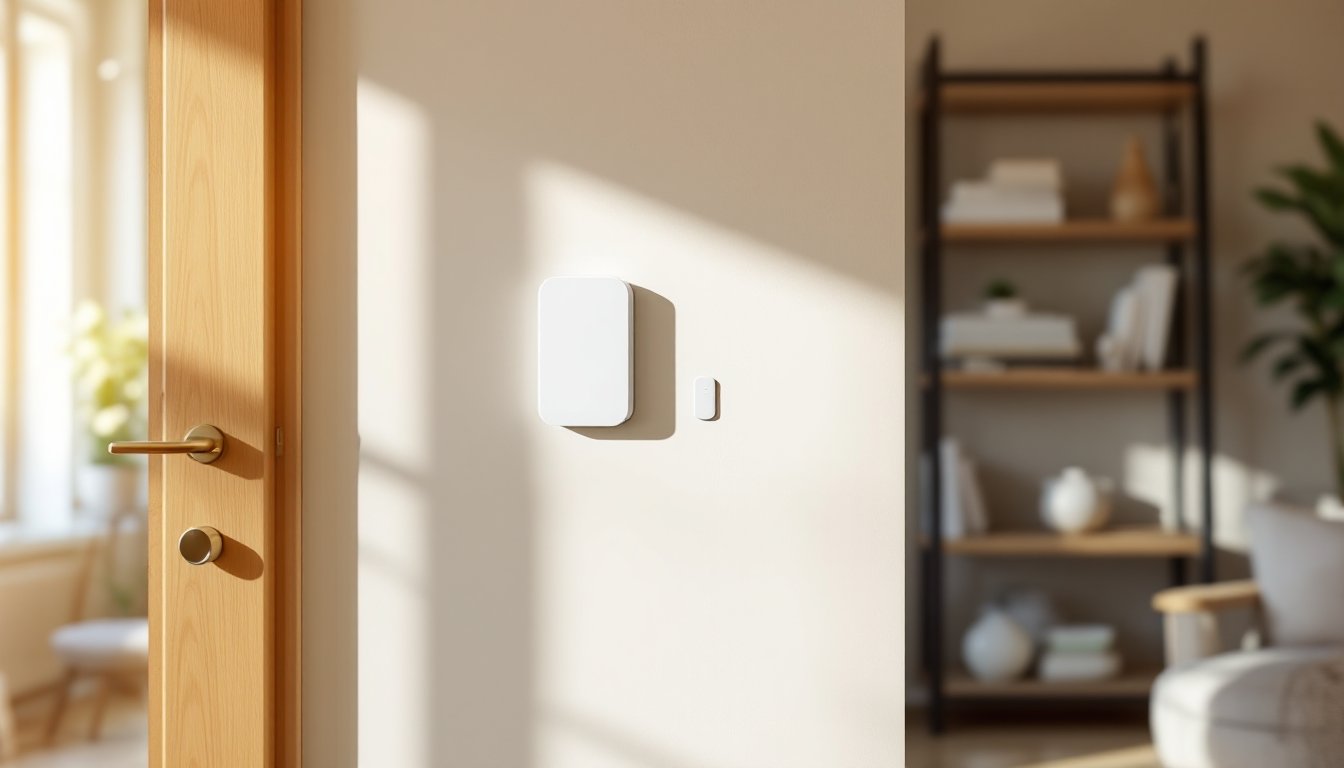
Door and window sensors are slim magnetic switches about the size of a pack of gum. You mount one on the frame and one on the door or window: when they separate, the sensor triggers an alert. These are wireless, so no drilling through walls or running cables, just adhesive strips or a couple of small screws.
Motion detectors use passive infrared (PIR) technology to sense body heat in a room. They’re excellent for catching intruders in larger spaces and reducing false alarms from pets under 60 pounds (Moni offers pet-immune sensors for the furry household members).
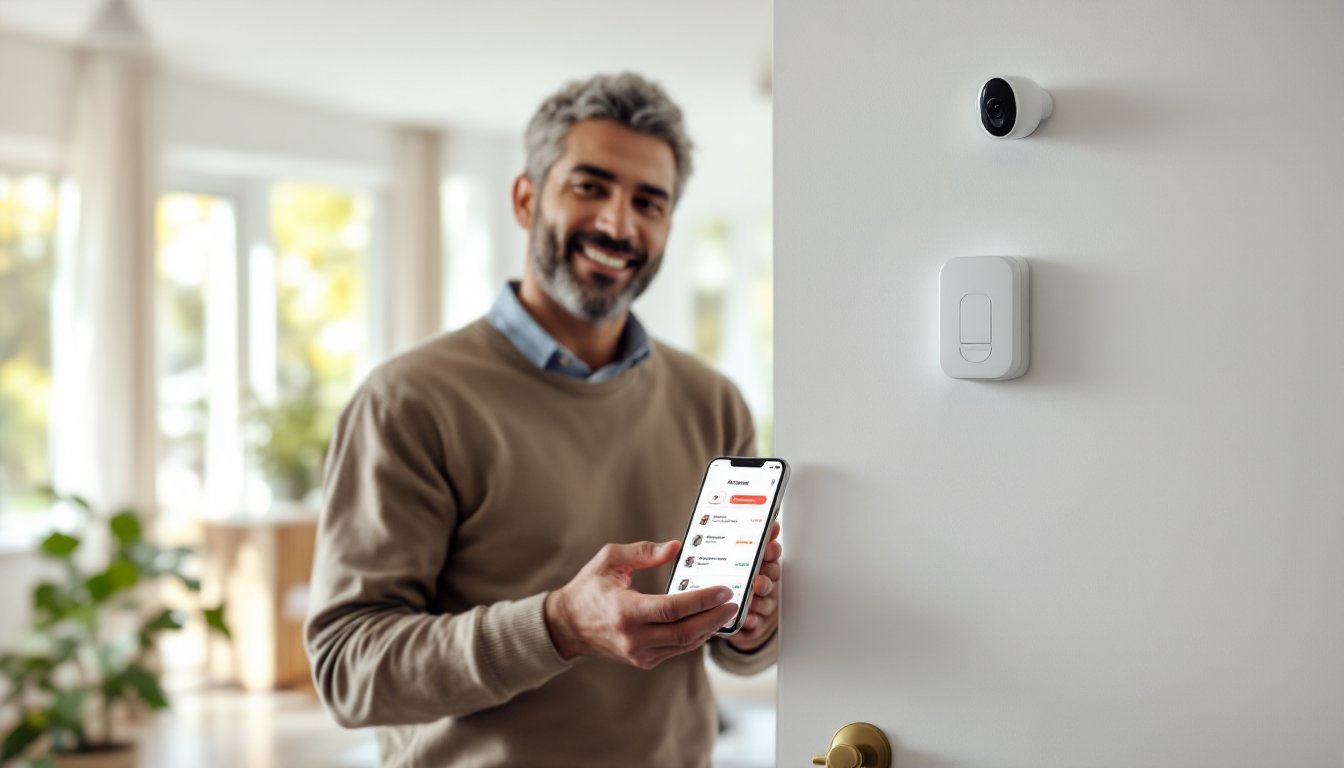
The mobile app lets you arm, disarm, and monitor your system from anywhere. You’ll see real-time alerts if a door opens, receive notifications when someone disarms the system, and access a detailed activity log. The app also handles two-factor authentication, so you’re not handing over access to every family member by default.
Moni supports professional monitoring 24/7, meaning real humans (not robots) respond to alarms and can contact emergency services. The cellular connection is independent of your home internet, which is a genuine safety advantage, your system doesn’t go silent during an outage.
Installation and Setup Process
Installation is genuinely simple, and that’s not marketing speak. Here’s what you actually do:
-
Choose hub placement. Pick a central, accessible location, often a hallway, bedroom, or kitchen. Avoid closets or dead zones. The hub needs a power outlet and clear line of sight to the cellular network.
-
Unbox and power on. Plug in the hub and download the Moni app. The hub will prompt you to create an account and confirm your address.
-
Mount sensors. Peel the backing off adhesive strips or use small screws to mount magnetic sensors on doors and window frames. The sensors pair automatically with the hub as you place them. Most adhesive sensor installations hold for 5+ years without peeling or sliding.
-
Test coverage. Walk through your home with the app open, triggering each sensor by opening doors and windows. You should see alerts within 2–3 seconds. If a sensor doesn’t communicate, move the hub closer or check for dense metal or concrete blocking the signal.
-
Configure monitoring. Sign up for professional or self-monitoring through the app. If you choose professional monitoring, the system will walk you through emergency contact setup.
Unlike wired systems that require running cables through walls (and often a permit), Moni avoids structural work entirely. You’re not drilling, fishing wires, or cutting drywall. The whole job takes 30–60 minutes for an average home. If you have thick concrete walls or a second story, signal range might be 100–150 feet depending on interference, so test before finalizing sensor placement.
Professional Monitoring vs. Self-Monitoring Options
Moni offers flexibility here, which appeals to different budgets and comfort levels.
Professional monitoring runs about $10–15 per month and includes 24/7 human response. When an alarm triggers, a real monitoring center operator calls your primary contact number within seconds. If no one answers or you confirm a genuine emergency, they dispatch police or fire. This layer of redundancy matters: you might be asleep, injured, or not home when an alarm sounds. Professional monitoring also speeds up emergency response, dispatchers know exactly where you live and why they’re being called.
Many homeowners using professional monitoring appreciate the peace of mind, especially if they travel or work long hours away from home. The cost is transparent and month-to-month: no contracts lock you in.
Self-monitoring means you handle alerts. You get app notifications, and you decide whether to contact police or investigate yourself. This option costs $0–5 per month (sometimes included free) and appeals to tech-savvy homeowners with reliable phone connectivity or those protecting seasonal properties where response time is less critical.
Self-monitoring works fine for deterrence and awareness, but it requires you to actually respond to alerts. If you’re in a deep sleep or on a flight, you won’t be responding to anything. For primary residences in high-risk areas, professional monitoring is the smarter choice. For a garage, workshop, or rental you check regularly, self-monitoring saves money.
Cost Considerations and Pricing Breakdown
Here’s where Moni’s straightforward model shines.
Initial hardware cost typically runs $200–350 depending on the package size. A basic two-door, one-window setup is on the lower end: a larger home with five sensors and multiple motion detectors will climb higher. Compare that to traditional security companies charging $500–1,500 upfront plus lengthy contracts, and Moni’s entry price is genuinely competitive.
Monthly monitoring runs $10–15 for professional service or $0–5 for self-monitoring. That’s $120–180 annually if you choose professional, versus $30–60 if you self-monitor. No hidden fees appear after month three, no “loyalty adjustment” vanishes, and no pressure upsells.
Cellular connection is built into the hub and included in your monitoring fee, you’re not paying separate cellular charges. This matters because traditional systems sometimes hide cellular costs or charge overage fees if your internet fails and the system needs to switch to backup.
Additional sensors cost $30–60 each, so expanding a four-sensor system to cover a larger home adds $150–300. Installation is still DIY, so you’re not calling a technician.
Price varies by region and promotion, so check Moni’s current offerings before committing. Also note that smart home technology pricing fluctuates: what costs $250 today might shift next quarter. Read reviews from recent purchasers to confirm pricing hasn’t changed.
Is Moni Right for Your Home Security Needs
Moni is a strong fit if you check most of these boxes: you rent or own, you don’t want a long-term contract, you’re comfortable with basic wireless sensors, and you want transparent pricing.
Moni works beautifully for renters. You can install it without a landlord’s permission (it’s non-invasive), and you can take it with you when you move. Many renters pair Moni with online alarm systems or supplementary motion detection to cover larger spaces.
It’s also ideal if you’ve had bad experiences with traditional security companies. No pushy sales calls, no multi-year contracts, and no equipment fees buried in a confusing invoice.
But, Moni may not be the best choice if your home has thick concrete walls, extensive metal framing, or you live in a cellular dead zone. The wireless signal needs clear paths to function reliably. Test the hub’s connectivity before buying additional sensors.
If you need comprehensive coverage including glass-break sensors, environmental monitoring (smoke, CO, water), or advanced automation integrations, Moni’s feature set is narrower than some competitors like wired alarm systems or premium smart ecosystems. For basic intrusion detection and peace of mind, though, Moni delivers solid performance at an honest price.
You should also consider whether professional monitoring aligns with your lifestyle. If you’re remote-accessible and tech-confident, self-monitoring saves money. If you prefer the assurance of 24/7 human oversight, the $10–15 monthly investment is worth it.
Conclusion
The Moni alarm system bridges the gap between affordable do-it-yourself security and professional monitoring. It eliminates installation hassle, avoids long contracts, and keeps monthly costs transparent. Whether you’re protecting a primary residence, rental property, or secondary home, Moni’s wireless, cellular-based approach sidesteps the complexity and cost of traditional wired systems. Take time to assess your space’s cellular coverage, choose between professional and self-monitoring, and add sensors to match your actual security perimeter, not an upsell pitch.