When a break-in happens, it’s usually fast, two to three minutes is all a burglar needs. That’s where a Honeywell Home alarm system steps in. Unlike simple door sensors, Honeywell’s setup combines smart monitoring, app control, and professional response into one integrated package. If you’re thinking about upgrading your home security or installing your first system, you’ll want to understand what Honeywell actually offers, how it works with your other smart devices, and whether the cost makes sense for your situation. This guide walks you through the real-world details, setup, features, monitoring options, and honest trade-offs, so you can make a confident decision.
Table of Contents
ToggleKey Takeaways
- A Honeywell Home alarm system combines sensors, smart app control, and professional monitoring to detect intrusions within seconds and dispatch emergency services when needed.
- Entry/exit sensors, glass break detection, and motion detectors work together to catch intruders immediately, with wireless sensors lasting 3–5 years before battery replacement.
- Professional 24/7 monitoring costs $15–35 per month but delivers real peace of mind and often qualifies for insurance discounts that offset the annual expense.
- DIY installation works for simple layouts and takes 2–4 hours, but professional installation ($200–500) ensures optimal sensor placement in complex homes and eliminates coverage gaps.
- Honeywell Home systems integrate seamlessly with Amazon Alexa, Google Home, and Apple HomeKit, enabling voice control and automations like automatic arming when you leave home.
- Total startup costs range from $250–500 for a basic kit plus optional monitoring fees, making it worthwhile if you live in areas with break-in risks, travel frequently, or want genuine security assurance.
What Is a Honeywell Home Alarm System and Why It Matters
A Honeywell Home alarm system is a combination of sensors, a control panel, and professional monitoring that detects intrusions, fires, and environmental hazards in your home. The core hardware typically includes door and window sensors, motion detectors, a central hub, and a mobile app that lets you arm, disarm, and monitor your system from anywhere.
Unlike old-school alarm systems that just blared a siren, Honeywell systems notify you and a professional monitoring center the moment something’s wrong. If a door opens at 3 a.m., you’ll get an alert on your phone within seconds. The monitoring center can then contact emergency services if needed. This layered approach, real-time notification plus professional response, cuts down on false alarms and gives you genuine peace of mind, not just a loud noise that might scare off an intruder.
Honeywell has been in the security business for decades, and their home systems reflect that experience. They’re known for reliable hardware, clear interfaces, and decent customer support. More importantly, their systems work with common smart home platforms, so you’re not locked into a proprietary ecosystem. Whether you already own a hybrid home security setup or are planning to add smart lights and locks, Honeywell plays well with others.
Key Features and Benefits for Modern Home Security
Honeywell Home systems come with several standard features that matter in real-world use:
Entry/Exit Sensors – These door and window sensors detect when an opening is breached. Unlike motion detectors alone, they catch intrusions the moment someone tries to get in, not after they’re already inside. Wireless sensors use batteries (usually lasting 3–5 years) and connect via a secure encrypted signal to your hub.
Glass Break Detection – Some Honeywell packages include microphone sensors that pick up the frequency of breaking glass. If someone smashes a window, the system alerts you before they even climb through.
Professional Monitoring – This is the selling point. When the system detects an alarm condition, it calls a monitoring center staffed by real people (not an automated service). They verify the alert and dispatch police if needed. This costs extra (typically $15–35 per month), but it’s the difference between an alarm that scares a burglar and one that brings actual help.
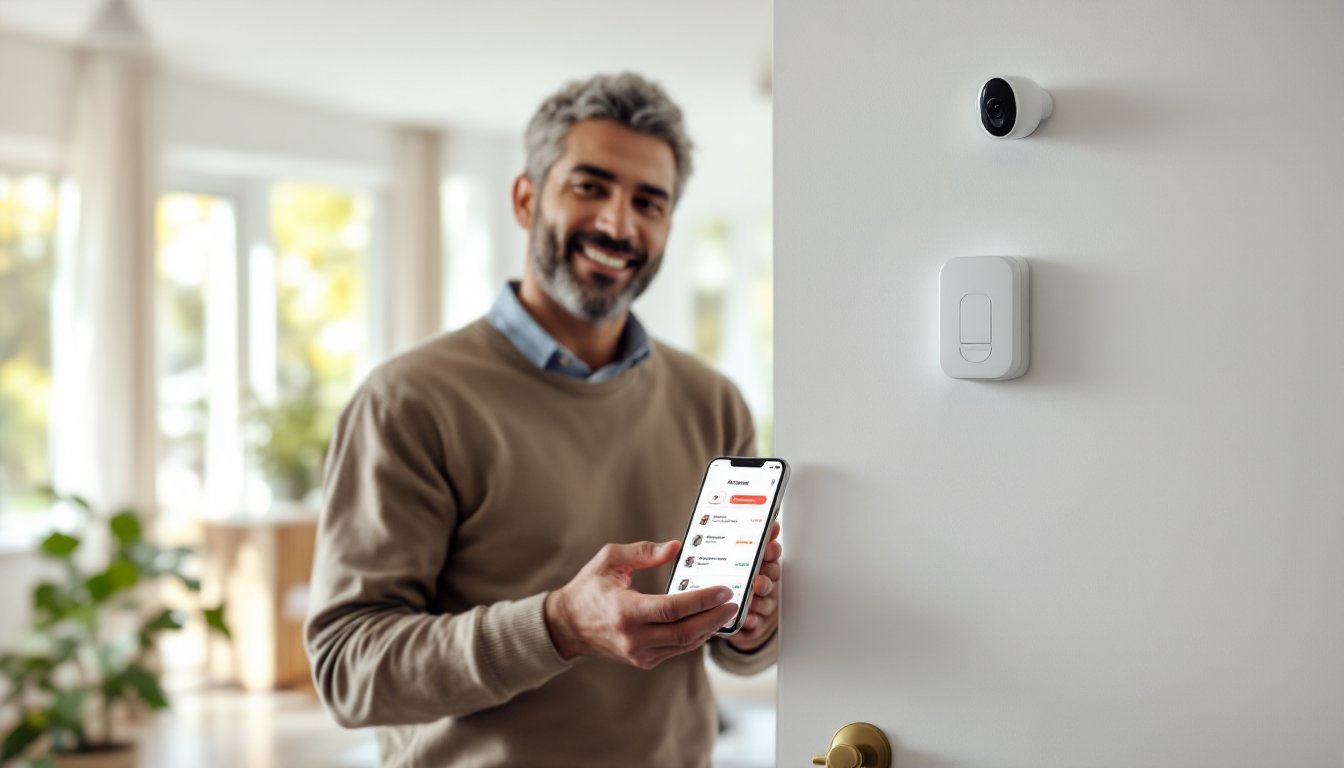
Mobile App and Notifications – You get push alerts, can view the status of any sensor, and can arm or disarm the system remotely. If you’re out of town and forget to lock the garage, you’ll see it in the app and can acknowledge it or notify a trusted neighbor.
Smart Home Integration Capabilities
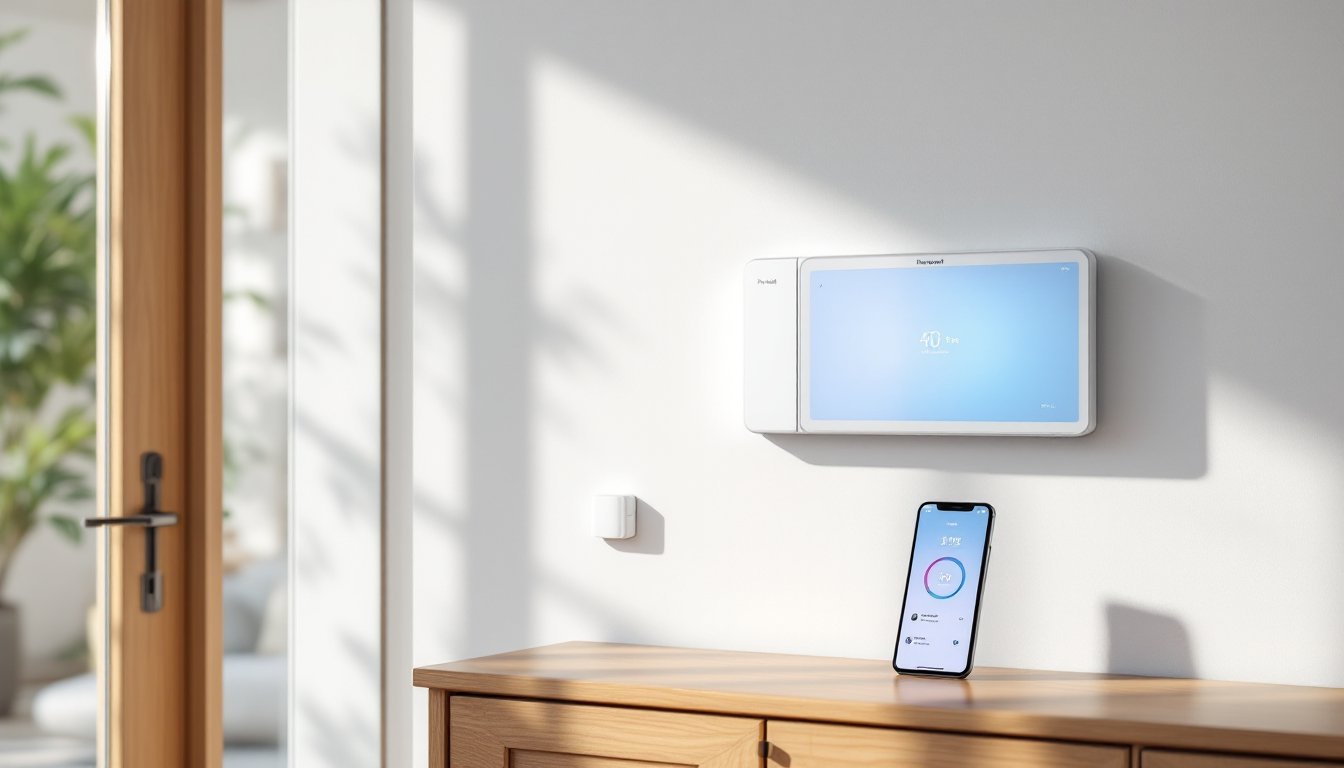
Honeywell Home systems integrate with Amazon Alexa, Google Home, and Apple HomeKit, which means you can voice-control your system and create automations. For example, you can set a routine so that when you leave home and your phone detects you’re 2 miles away, the system automatically arms itself, lights turn off, and the thermostat adjusts.
This integration isn’t gimmicky, it’s genuinely useful if you already own smart devices. Recent home automation reviews highlight that seamless integration across platforms is a major factor in system satisfaction. Honeywell’s compatibility is better than some competitors, though not perfect (a few niche devices may not work).
You can also integrate motion detector alarm systems for added coverage in larger homes or blind spots. Motion sensors work well in basements, garages, and hallways where window/door sensors alone might miss an intruder.
Getting Started: Installation and Setup
Honeywell offers two installation paths: DIY and professional. Understanding the difference is important because installation errors can leave gaps in coverage and waste your money.
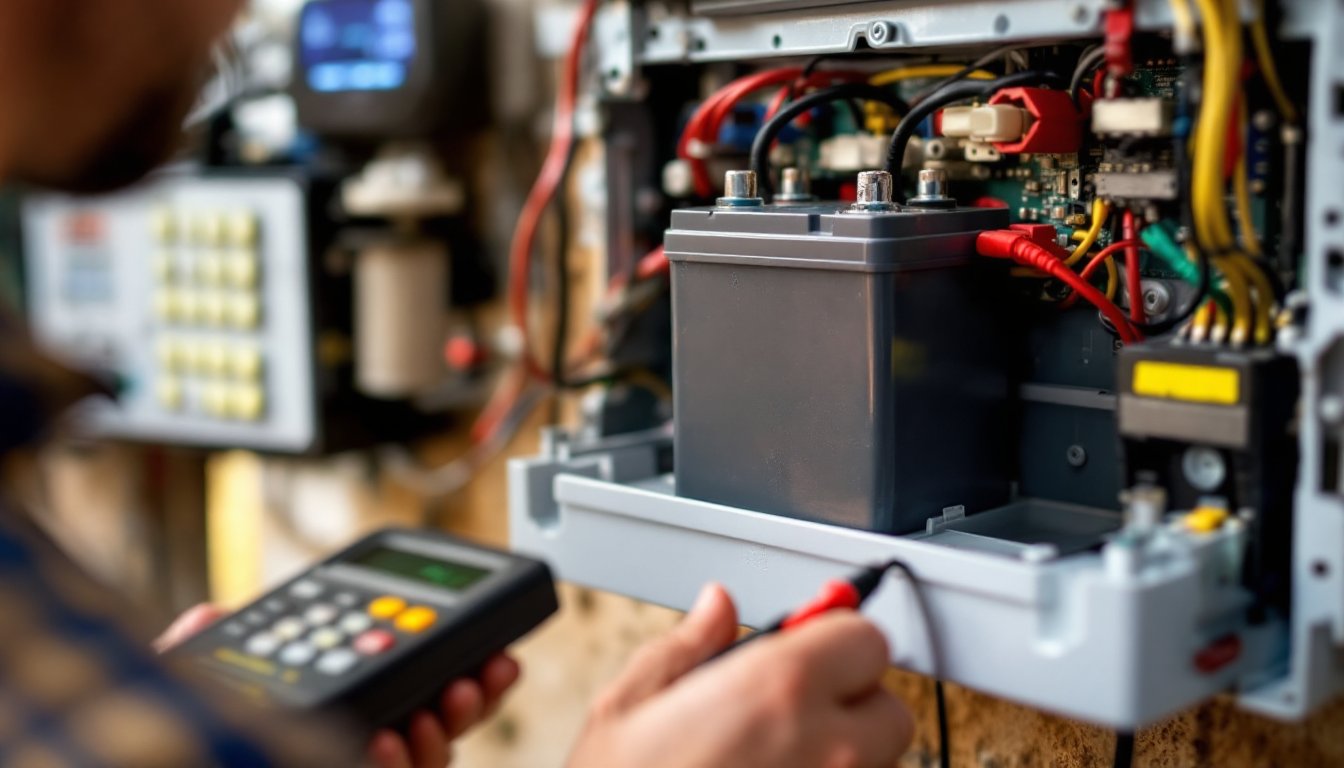
DIY Installation – If your home has a simple layout (one story, few entry points, no structural obstacles between sensors and hub), you can handle installation yourself. The system comes with a manual, and online tutorials walk you through placement and pairing sensors to the hub. Expect to spend 2–4 hours.
Here’s the critical part: placement matters more than people think. A motion sensor pointed at a wall won’t catch anyone. Door sensors need to be placed so the magnet and sensor line up precisely, off by more than an inch and they won’t trigger. The hub needs a clear line of sight to wireless sensors, though most homes don’t have massive dead zones.
Professional Installation – If your home is large, you have a complex layout, or you want absolute confidence in sensor placement and system optimization, hire a professional. This costs $200–500 but includes a site survey, optimal sensor placement, and system testing. Some monitoring companies offer discounted professional installation when you sign up for their monitoring service.
What You’ll Need to Do:
- Test the system after installation (open a door to verify the sensor triggers)
- Set entry/exit delays (usually 30–60 seconds to arm/disarm after opening a door)
- Create access codes for family members or caregivers
- Download the app and set notification preferences
- Add the system to your smart home platform if desired
Honeywell’s hubs usually come with a battery backup (4–8 hours) so brief power outages don’t leave you unprotected. Wireless sensors use batteries, so you’ll need to replace them every few years. Set a phone reminder or use the app’s low-battery alerts.
Monitoring Options and Professional Support
This is where a Honeywell system stops being just sensors and becomes actual security. You have three monitoring options:
Professional 24/7 Monitoring – A monitoring center answers your alarm 24 hours a day. Cost: $15–35/month depending on your plan. When an alarm is triggered, they call you to verify (“Did you trigger this intentionally?”). If you don’t answer or say “no,” they dispatch emergency services. This is the gold standard for serious security.
Self-Monitoring – You rely entirely on app notifications and respond yourself. No monthly fee, but if you’re asleep or unreachable, there’s no one to call 911. Some people combine this with a simple sign in the yard (“This home is monitored”) as a deterrent. A wired home alarm system with backup battery power is more reliable for this approach than wireless.
Hybrid Monitoring – Some Honeywell partners offer a middle ground: you get app alerts and can manually call the monitoring center if you need help. It’s cheaper than professional monitoring but gives you the option of escalation.
Most homeowners choose professional monitoring for peace of mind. The $200–420 per year (often bundled into insurance discounts) is worth it if you work, travel, or sleep deeply.
Support and Warranty – Honeywell typically offers a 2-year warranty on hardware. Customer support is available by phone and email. Response times are reasonable (usually 24 hours for non-emergency issues). Some local alarm installation providers also offer extended support, which can be helpful if you live in a complex home or have persistent connectivity issues.
Is It Right for You? Cost and Considerations
A Honeywell Home system is a real investment. Here’s what you’re looking at:
Hardware Costs:
- Starter kit (hub + 2–3 entry sensors): $250–500
- Additional door/window sensors: $30–60 each
- Motion detectors: $50–100 each
- Professional installation: $200–500
Monthly Costs:
- Professional monitoring: $15–35/month
- App-only (no monitoring): $0
Is It Worth It? This depends on your risk profile. If you live in a neighborhood with break-ins, travel frequently, or have valuable items, a Honeywell system pays for itself in insurance discounts and peace of mind. Most homeowners see $100–200/year in insurance savings, which covers monitoring costs. If you live in a very safe area and are home most of the time, self-monitoring or a simpler system might suffice.
One honest consideration: you’re building a dependency. Once you have app alerts and professional monitoring, going back to a silent alarm system feels risky. That’s not a weakness of Honeywell specifically, it’s true of any modern security system. Understand that upfront.
Also, check what home security services recommend for your specific situation. Different homes have different needs. A single-story home needs fewer sensors than a split-level. An apartment might not allow window-mounted sensors, so you’d rely more on motion detectors.
Finally, verify that your monitoring company’s contract doesn’t lock you in for years. Month-to-month is ideal so you can switch if service slips.
Conclusion
A Honeywell Home alarm system delivers what it promises: reliable detection, smart integration, and professional monitoring when you need it. It’s not the cheapest option on the market, but it’s solid hardware backed by a company with real security expertise. Whether you DIY the installation or hire a pro, the key is placing sensors thoughtfully and choosing a monitoring option that matches your lifestyle. Start with a basic online alarm system if you’re new to smart security, then expand as you get comfortable. Done right, a Honeywell system gives you genuine peace of mind, and that’s worth the investment.