A dead battery is the silent killer of home security, and it’s completely preventable. Your alarm system is only as reliable as its backup power source, especially during power outages when you need protection the most. Whether you’re installing a new system or replacing a failing battery, understanding what type of battery your alarm needs, how long it’ll actually last, and how to keep it running strong matters more than most homeowners realize. This guide walks you through the essentials so you can keep your home secure without guessing.
Table of Contents
ToggleKey Takeaways
- A quality battery for alarm system backup is essential—sealed lead-acid batteries typically last 3–5 years, while lithium options extend to 10+ years but cost more upfront.
- Always check your alarm panel’s manual for exact voltage, capacity (amp-hours), and connector specifications to avoid damaging your system or creating false security.
- Budget $40–80 for reliable SLA battery replacements or $100–200 for lithium batteries, and keep a spare on hand in areas prone to power outages.
- Test backup power twice yearly by unplugging AC to confirm the panel stays powered for 15–20 minutes, and watch for warning signs like chirping keypads or low-battery alerts.
- Proper maintenance—including annual alkaline sensor battery checks, keeping the battery in climate-controlled spaces, and cleaning corroded terminals—prevents unexpected failures when you need protection most.
Understanding Alarm System Battery Types and Specifications
Most home alarm systems use one of three battery types: 12V sealed lead-acid (SLA), lithium-ion, or alkaline backup batteries.
Sealed lead-acid batteries are the workhorses of residential alarm systems. They’re rechargeable, affordable, and durable, typically lasting 3–5 years with proper care. You’ll see them rated in amp-hours (Ah), usually ranging from 7–18 Ah depending on system size. A 12V 7Ah SLA is common for smaller systems, while larger setups might need 12V 12Ah or higher. The panel charges these continuously while AC power is available, so the battery stays topped off and ready.
Lithium-ion batteries are newer to the residential alarm market but gaining traction. They hold a charge longer, resist deep discharge better, and last 10+ years in many cases. They’re more expensive upfront but cost less over time. Some modern systems designed around lithium tech won’t accept traditional SLA batteries, so check your panel’s manual before assuming compatibility.
Alkaline batteries serve as backup backups, think AA or 9V cells that power wireless sensors or keypads if the main battery fails. They’re not the primary system power but a critical safety layer. A wireless door sensor or keypad without fresh alkaline batteries becomes a liability during an outage.
Your system’s manual will specify voltage (usually 12V), capacity in amp-hours, and exact battery dimensions. Deviating from these specs can damage your panel or create a false sense of security. Don’t assume all “12V batteries” are the same, connector type, terminal configuration, and chemical composition all matter.
How Long Do Alarm System Batteries Last?
A healthy sealed lead-acid battery typically lasts 3–5 years under normal conditions. “Normal” means the panel keeps it charged while AC power is steady and you’re not relying on backup power constantly. If your area has frequent blackouts, that battery gets cycled hard and dies faster, sometimes in 2–3 years.
Lithium batteries stretch that window to 10+ years because they handle discharge cycles more gracefully and resist sulfation (the chemical breakdown that kills lead-acid cells). If you’re in an area with spotty power, they’re worth the premium.
The real battery killer isn’t age, it’s neglect. A battery sitting in a dead state for months will sulfate and become useless. If the AC power goes out and your system runs on battery for days without being recharged, you’re eating into that lifespan fast. An unplugged system left sitting all winter? That battery might be toast come spring.
Alkaline batteries in wireless sensors fade quietly. Replace them annually as routine maintenance, or sooner if you see low-battery warnings on your keypad. Missing a dead sensor battery is like leaving a door unlocked, you won’t notice until something goes wrong.
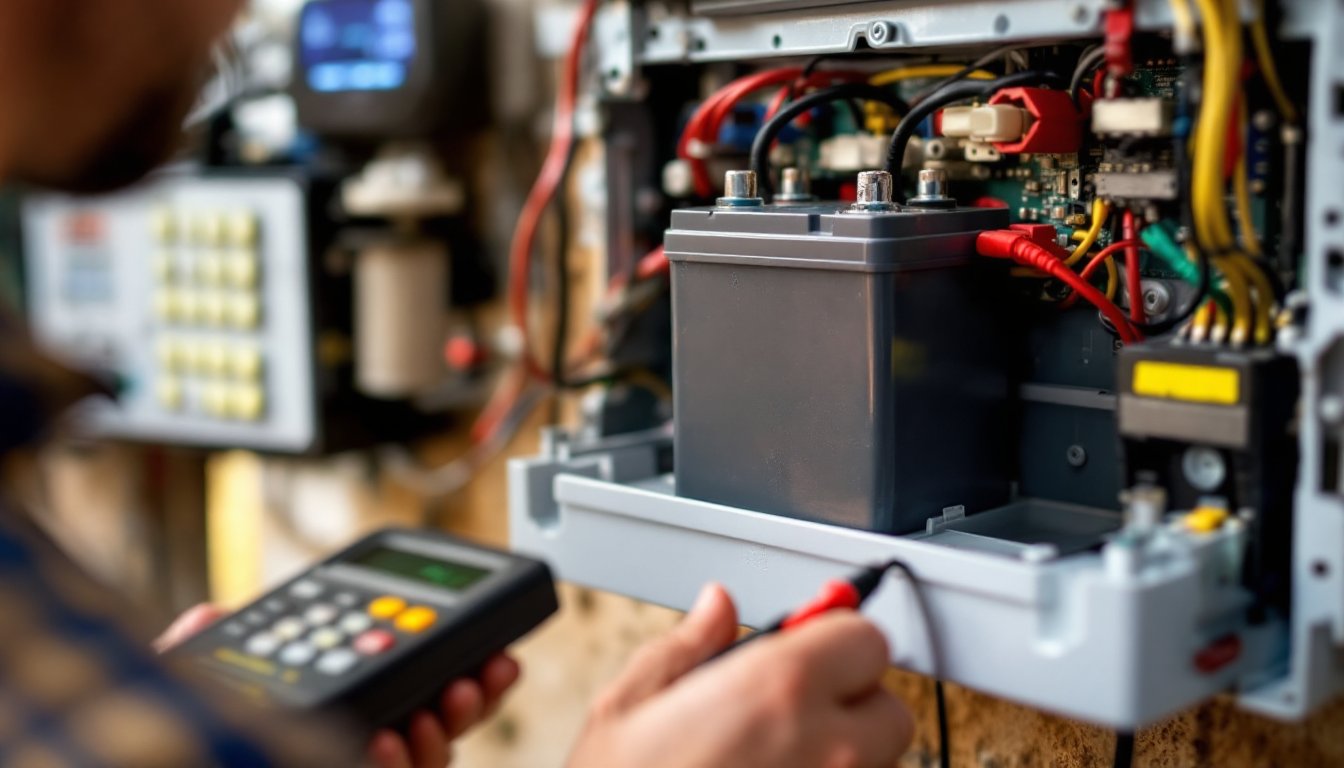
Watch for warning signs: a chirping keypad (usually means low battery), a flashing indicator on the panel, or a “power trouble” alert. Don’t ignore these, they’re your system telling you it’s vulnerable. Test the battery under load annually by unplugging the AC adapter and confirming the panel stays powered for at least 15–20 minutes.
Selecting the Perfect Battery for Your System
Compatibility and Voltage Requirements
First rule: check your alarm panel’s manual or look for a sticker on the unit itself. It’ll specify battery type, voltage, and capacity. Don’t guess. A 12V system won’t run safely on a 24V battery, and undersized capacity leaves you with minutes of backup instead of hours.
Measure the physical space where your battery mounts. SLA batteries come in standard sizes, 12V 7Ah, 12V 10Ah, 12V 12Ah, and larger, but they’re not all identical in footprint. A larger battery might not fit in the cabinet. Physically confirm fit before ordering.
Check the connector type. Some panels use terminals (posts you bolt a wire to), while others have proprietary connectors. Adapters exist but add failure points. Match the connector style if possible.
Voltage and amp-hour rating both matter. A 12V battery that’s undercapacity might show full charge on the panel’s indicator but run out of usable power during an outage. Wired home alarm systems often pair with larger batteries (12V 10–18Ah) because they power more sensors and transmitters constantly. Motion detector alarm systems with fewer wireless devices might get by with smaller packs. Online alarm systems with cellular backup sometimes have lower power draw, so battery sizing varies by design.
If your system is older (10+ years), upgrading to a lithium replacement might seem pricey but could extend overall system life. Lithium batteries charge faster and tolerate partial discharge better, reducing strain on aging panels.
Budget roughly $40–80 for a decent SLA replacement, $100–200 for lithium. Avoid bottom-tier batteries from unlabeled suppliers. Reputable brands like Tenergy, Universal Power Supply (UPS) battery specialists, and system-native manufacturers tend to match spec more reliably. Reviews on Smart home technology news sites like Digital Trends often test battery longevity in real systems, which beats generic spec sheets.
Order a replacement before the current battery fails. Most retailers ship in days, but if your backup power dies at 2 a.m. on a Sunday, you’re out of luck. Keep a spare on hand, especially if you live somewhere with weather-related power loss risk.
Installation and Maintenance Tips for Battery Longevity
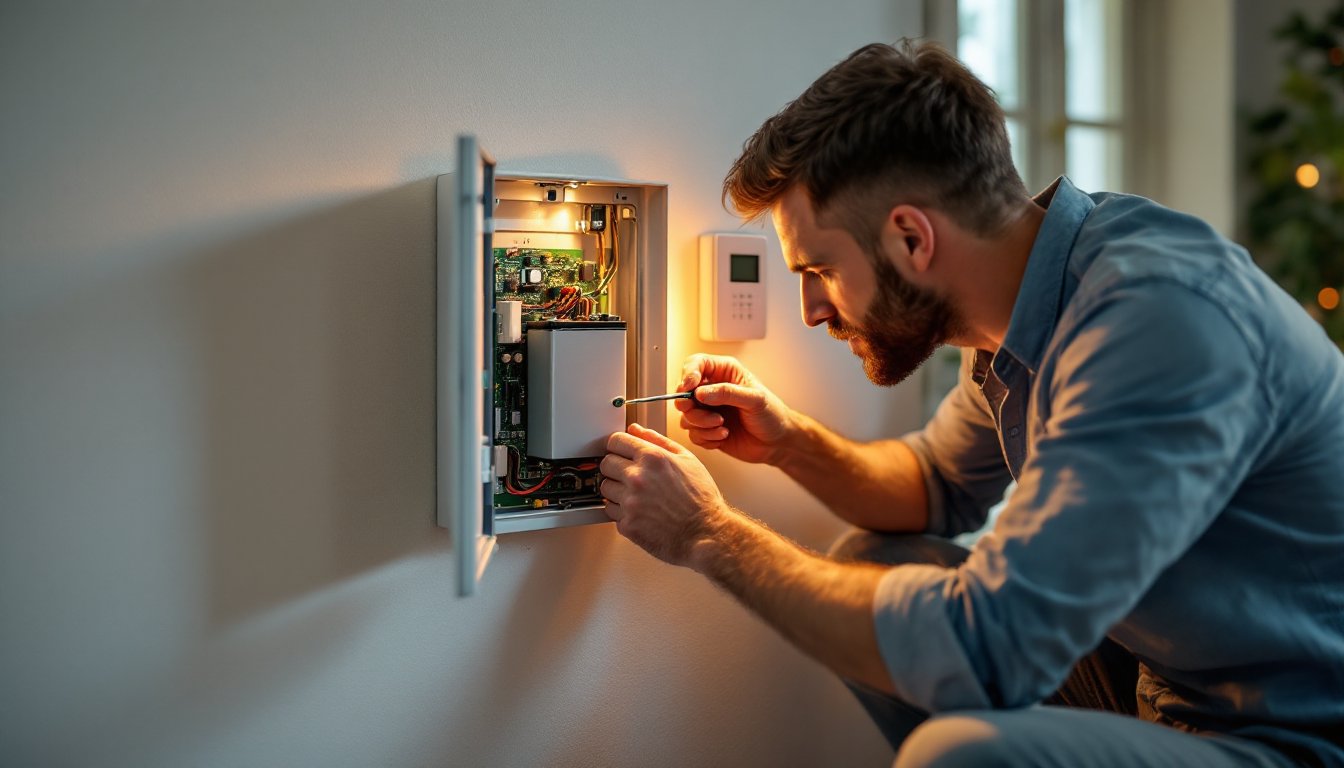
Installing a new battery is straightforward but requires care. Disconnect AC power to the panel first, don’t skip this step, even though it seems obvious. Disconnect the old battery terminals (negative/black first, then positive/red) and remove the dead unit. Wipe the mounting shelf with a dry cloth: corrosion or dirt reduces contact quality.
Position the new battery in place and reconnect terminals (positive/red first, then negative/black). This order prevents sparks. Secure any mounting bracket and reconnect AC power. Most panels self-test the battery and show a confirmation on the keypad within seconds.
After installation, let the panel charge the battery for at least 2–4 hours before testing backup mode. Don’t panic if the indicator shows “charging”, that’s normal for fresh batteries.
Maintenance is mostly passive. Keep the battery and panel clean and dry. Extreme heat (above 80°F sustained) and cold (below 40°F) degrade batteries, so climate-controlled mounting locations are ideal. Basements are usually safe: attics and uninsulated garages are risky.
Test backup power twice a year: unplug AC power and confirm the panel stays on. If it powers down immediately or loses power within 5–10 minutes, the battery is failing or undersized. Replace it.
Check alkaline batteries in wireless sensors annually. Use a simple battery tester (under $10) or replace them all at once to avoid guessing. Label the backup date on sensor batteries so you know when they’re due.
If the system goes through a prolonged outage and runs on battery for hours, recharge the panel once AC power returns. The panel’s charger will top it off, but monitor the battery indicator for the next few days. If it drops below “full,” you may have a charging circuit issue or a failing battery. Popular Mechanics offers detailed guides on troubleshooting home tech devices if you want deeper diagnostic steps.
Corrosion at terminals is a silent enemy. If you see white or blue-green crusty buildup on battery terminals, disconnect AC power, clean the terminals with a dry cloth or soft brush, and check the connector tightness. Loose or corroded connections drop effective voltage and fool the panel into thinking the battery is dead when it isn’t.
Conclusion
Your alarm system’s battery is insurance against the moment the power goes out. Choosing the right type, respecting its limits, and maintaining it routinely keeps that security blanket reliable. Most homeowners spend less than $100 replacing a battery every few years, negligible compared to the cost of a break-in or missed emergency. Check your manual, match the specs exactly, and don’t guess. A functioning backup system is worth far more than the time and money to get it right.