Home security isn’t optional anymore, it’s essential. Whether you’re protecting a house full of memories or a rental investment, choosing the right system means balancing affordability, reliability, and peace of mind. LiveWatch has been making noise in the alarm system space as a company that emphasizes professional monitoring without the premium price tag of traditional providers. But does it deliver? This review cuts through the marketing to show you what LiveWatch actually offers, how it works, and whether it’s the right fit for your home and budget.
Table of Contents
ToggleKey Takeaways
- LiveWatch alarm system combines affordable professional 24/7 monitoring with human-verified alerts, responding to triggered sensors within 60 seconds and contacting emergency dispatch on your behalf.
- The system supports flexible hardware from multiple brands (2GIG and others) with video verification capabilities, allowing you to mix compatible sensors and cameras without proprietary equipment lock-in.
- Installation options range from DIY setup (1–3 hours, $200–$500 equipment cost) to professional installation ($100–$300), giving homeowners control over their budget and involvement level.
- Monthly monitoring plans cost $15–$35 with no long-term contracts required, saving 30–50% compared to traditional providers like ADT or Vivint over the first year.
- LiveWatch excels for homeowners prioritizing reliable, budget-friendly professional monitoring but may not suit those needing advanced automation, bundled services, or extensive local tech support.
- Key features include 24/7 monitoring, video verification to reduce false alarms, mobile app control, customizable alerts, and cellular backup connectivity when internet drops.
What Is LiveWatch and How Does It Work?
LiveWatch is a home security provider specializing in professional monitoring services tied to smart security equipment. Unlike some newer companies that tout app-only monitoring, LiveWatch pairs its technology with actual human response: when an alarm triggers, trained operators verify the alert and contact authorities on your behalf.
The system works like this: you install sensors on entry points (doors, windows) and motion detectors inside. When a sensor is triggered, say, a door opens while the system is armed, a signal transmits to LiveWatch’s monitoring center within seconds. An operator reviews the alert (many systems now include video verification), confirms it’s a genuine emergency, and either you or the operator contacts local police. This human-in-the-loop approach is particularly valuable if you’re away from home or need confirmation before emergency dispatch.
LiveWatch doesn’t manufacture its own hardware: instead, it partners with established brands like 2GIG and other compatible equipment makers. This means you’re not locked into proprietary gear and can often upgrade components independently. The company supports both landline and broadband internet connections, though broadband is standard now and more reliable.
Key Features and Monitoring Options
LiveWatch’s core appeal centers on flexible monitoring and customer service that actually picks up the phone. Here’s what separates it from the pack:
Professional 24/7 Monitoring: Unlike self-monitored systems where only you get alerts, LiveWatch employs operators around the clock. If you’re asleep, at work, or simply not glued to your phone, the system still responds.
Video Verification: When an alarm triggers, operators can request a live video feed from your cameras (if you’ve integrated compatible devices). This cuts false alarms significantly, a major cost saver if your jurisdiction charges dispatch fees.
Flexible System Support: LiveWatch works with multiple hardware brands, so you’re not forced into an ecosystem. You can mix and match sensors, keypads, and cameras from different makers, as long as they’re compatible.
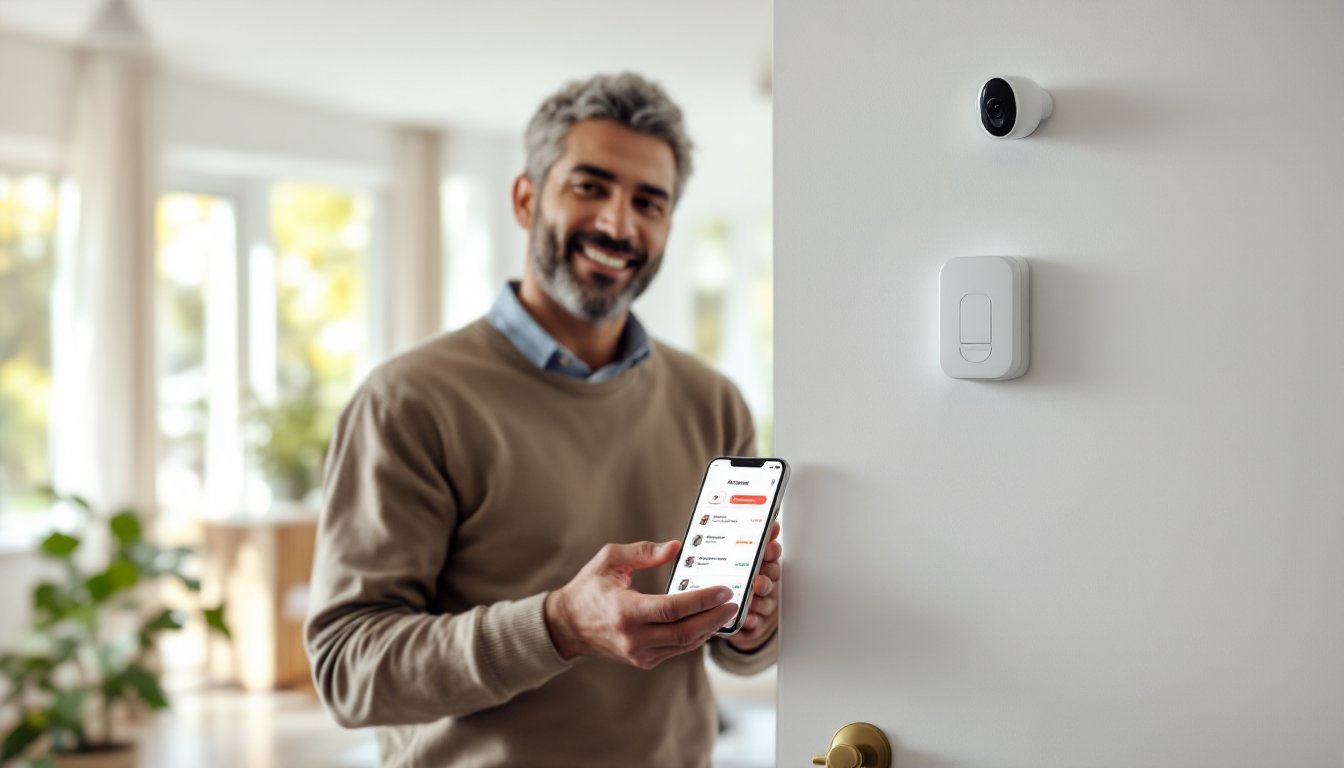
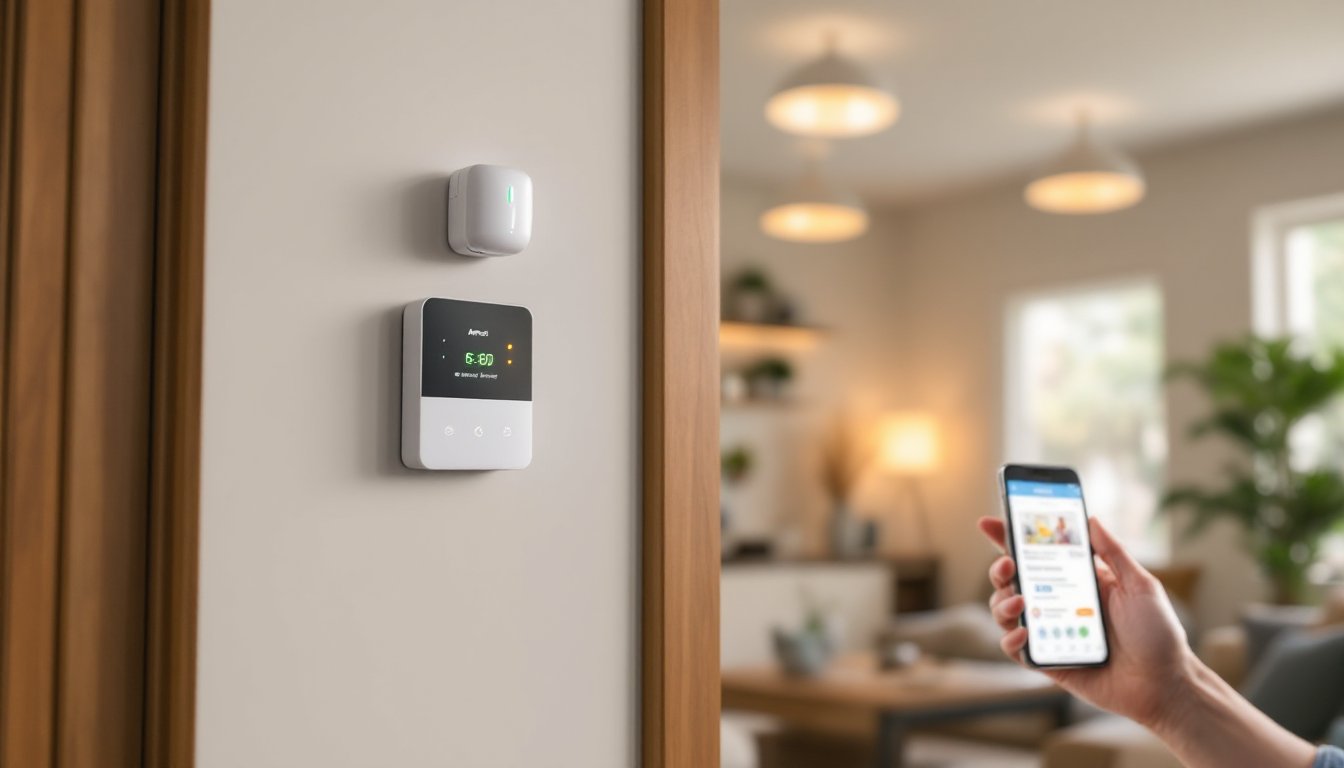
Mobile App Control: Arm, disarm, and check system status from anywhere. The app also logs events and shows you when the system was triggered and by whom, useful for checking if the kid accidentally opened the garage while it was armed.
Customizable Alerts: You choose what notifications you receive (SMS, push, email) and when. For example, you might want alerts when the main door opens but not motion detection in the kitchen.
24/7 Professional Monitoring and Alert Response
This is where LiveWatch earns its reputation. When you call in a suspected break-in, you’re not waiting on hold or hoping an automated system understands your panic. An operator hears your voice, assesses the situation, and directs emergency response. This human verification also reduces the risk of armed police responding to a false alarm, something many communities now fine homeowners for.
Response time from signal to operator is typically under 60 seconds. The operator will attempt to reach you first: if you don’t answer or confirm an emergency, they contact dispatch based on your account settings. Some homeowners disable auto-dispatch and handle police contact themselves, which is an option LiveWatch supports.
Installation and Equipment Overview
Installation is where LiveWatch diverges from premium players like Vivint or ADT. You have two paths: professional installation or DIY setup.
Professional Installation: LiveWatch partners with local technicians in most service areas. A pro will survey your home, place sensors on doors and windows, run wiring if needed, mount the main panel, and configure everything. This typically costs $100–$300 depending on your location and home size. The upside? It’s done right, integrated properly, and backed by warranty. The downside is the appointment wait and cost.
DIY Installation: Most LiveWatch systems ship with sensors, door/window contacts, a wireless or wired keypad, and clear instructions. Setup usually takes 1–3 hours. You’ll mount sensors on entry points, stick motion detectors in common areas, and pair everything to the control panel via the app. No drilling, wiring, or permits required. If you’re comfortable with basic home tech, this is doable, and it saves you money.
Hardware Compatibility: LiveWatch systems typically use industry-standard protocols (Z-Wave, Zigbee, or proprietary radio), allowing integration with third-party sensors. This flexibility matters: if you need an extra motion detector or a smart lock, you can often add compatible gear without calling the company.
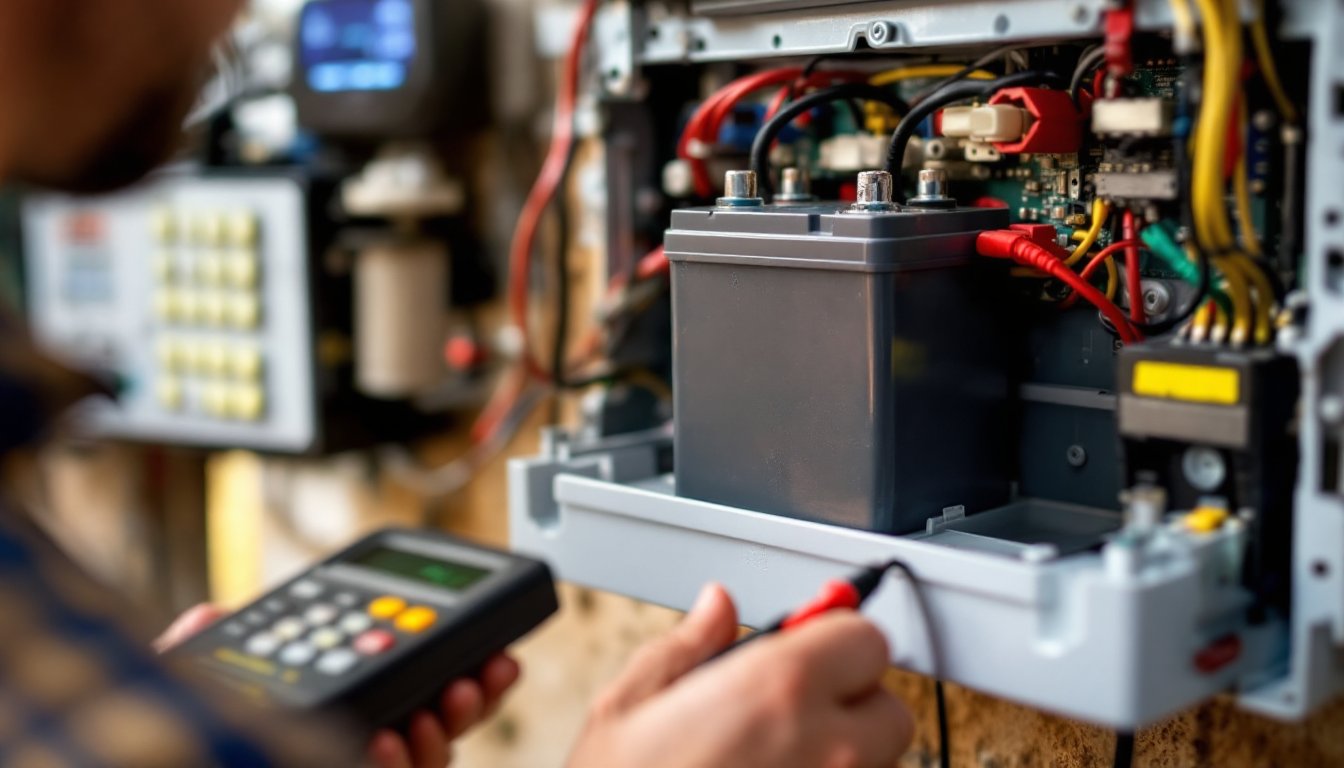
Backup Power: Most control panels include battery backup (8–24 hours depending on the system). If your internet or power drops, the system keeps monitoring and can contact the center via cellular backup. This is standard and critical, a system that goes dark in a storm or power outage isn’t worth much.
When deciding between DIY and professional installation, consider your comfort level with tech, your home’s layout, and whether you want expert guidance. Local alarm installation services can also handle setup if you prefer hands-off approach but want local support.
Pricing and Plan Options for Homeowners
LiveWatch positions itself as a budget-friendly alternative without sacrificing monitoring quality. Here’s the typical cost structure:
Equipment: $200–$500 depending on the package (basic sensor kit vs. larger home bundle). DIY setups skew lower: professional installs may include equipment costs.
Monitoring Plans: Monthly monitoring ranges from $15–$35 depending on the service tier. Basic plans include 24/7 professional monitoring and alert response. Premium tiers add video verification, smart home integration, or cellular-only backup.
Contracts: LiveWatch offers month-to-month flexibility on many plans, avoiding the 2–3 year commitments common with legacy providers like ADT. Some promotional packages require shorter term commitments (6–12 months), so read the fine print.
Cellular Backup: If your internet drops, the system needs an alternate path to the monitoring center. Cellular backup adds $5–$10/month but is essential for reliability.
No Hidden Fees: Unlike some companies, LiveWatch doesn’t typically charge activation, equipment shipping, or account management fees. That said, verify your quote: regional pricing variations exist.
Compared to wired systems from traditional providers, LiveWatch’s all-in cost runs 30–50% lower in the first year. Over 3–5 years, the savings compound significantly, especially if you avoid long-term contracts. If you’re weighing hardwired options, wired home alarm systems offer different trade-offs worth considering.
Products reviewed on CNET and Tom’s Guide consistently note that professional monitoring justifies the cost for most homeowners, and LiveWatch’s pricing makes it accessible.
Pros and Cons: Is LiveWatch Right for Your Home?
Pros:
- Professional monitoring without premium pricing. You get human response and police dispatch support at a fraction of what Vivint or traditional ADT charges.
- Flexible hardware. Not locked into proprietary equipment: you can upgrade sensors or add smart home devices from other brands.
- No long-term contracts. Month-to-month plans reduce risk if you move or want to switch.
- Fast response. Operators typically answer within 60 seconds: video verification reduces false alarms.
- Easy DIY setup. Most homeowners can install this in an afternoon without special tools or skills.
Cons:
- Customer service varies by region. Some areas have excellent local tech support: others depend on phone/chat support, which can be slower.
- Video integration requires compatible cameras. If you want video verification, you need to add cameras (additional cost and setup).
- Limited mobile app features compared to premium systems. You can arm/disarm and check status, but automation rules are more basic than systems like Vivint.
- Cellular backup is an extra cost. While important, adding it increases monthly fees.
- No bundled internet or TV. If you’re looking for a security-plus-services package, traditional providers offer bundles that might save money if you already need internet.
LiveWatch shines if you want reliable, affordable professional monitoring without frills. It’s less ideal if you crave advanced automation, want everything integrated into a single bill, or need 24/7 phone support in your local area. Motion detector alarm systems may also suit your needs if sensors alone feel insufficient.
Recent security trends on Digital Trends highlight the growing appeal of no-contract, professional monitoring systems, exactly LiveWatch’s niche.
Conclusion
LiveWatch delivers solid professional monitoring at a price that won’t shock your budget. It’s especially appealing if you want human verification without the hard contracts and premium pricing of legacy providers. The flexible hardware, DIY option, and straightforward plans make it accessible for most homeowners. If you’re weighing LiveWatch against other options, compare costs over 3–5 years, confirm installation support in your area, and test the mobile app. For many, it’s the practical middle ground between expensive traditional systems and risky DIY-only setups.