A small business faces break-ins every 48 seconds in the United States. For shop owners, office managers, and entrepreneurs, that statistic hits differently when you’re responsible for protecting inventory, equipment, and employee safety. An alarm system isn’t just about triggering a siren, it’s a layered defense that deters criminals, alerts you to trouble in real time, and gives you documented evidence when something goes wrong. Whether you’re running a retail store, warehouse, or professional office, choosing the right small business alarm system requires understanding your actual security needs, not just what a salesperson says looks impressive.
Table of Contents
ToggleKey Takeaways
- Small businesses experience a break-in every 48 seconds in the U.S., making a small business alarm system a fundamental operational investment for protecting inventory, equipment, and employee safety.
- Monitored alarm systems provide 24/7 professional response and typically cost $20–$50 monthly, while unmonitored systems are cheaper upfront ($500–$1,500) but leave response dependent on you.
- Wireless alarm systems offer flexibility and quick DIY installation ($400–$1,200) for straightforward layouts, while hardwired systems provide superior reliability for larger spaces but require professional installation ($2,500–$5,000+).
- Essential features for effective small business alarm systems include entry-point sensors, motion detection, smartphone integration, video surveillance backup, cellular connectivity, and 24–48 hours of battery backup.
- Insurance companies often offer 5–15% discounts on policies with monitored systems, and 60% of burglars avoid properties with visible security systems, making alarms a cost-effective deterrent.
- Choose a system based on your actual security vulnerabilities and ease of use; systems that are simple to arm and disarm via smartphone are more likely to be used consistently every shift.
Why Small Businesses Need Alarm Systems
Small businesses attract theft for a simple reason: they often have fewer eyes on the property than larger corporations. A break-in can cost you thousands in inventory loss, equipment damage, and operational downtime. Beyond the financial hit, there’s the emotional toll of violation and the ripple effect on employee morale.
Insurance companies take notice too. Many policies offer discounts of 5–15% for monitored alarm systems, meaning your protection investment pays for itself quickly. More importantly, 60% of burglars avoid properties with visible security systems altogether, they’re looking for easy targets, and an armed business isn’t one.
Alarms also protect during business hours. An employee might accidentally trigger a silent panic button, alerting authorities without tipping off an active threat. The same system logs entry and exit times, creating accountability and helping you spot unusual access patterns. When you stack these benefits together, an alarm system becomes less of a luxury and more of a fundamental operational tool.
Types of Alarm Systems for Small Businesses
The alarm landscape has shifted dramatically. You’re no longer choosing between a big hardwired unit or nothing, modern systems blend wired reliability with wireless flexibility, cloud connectivity with local backup.
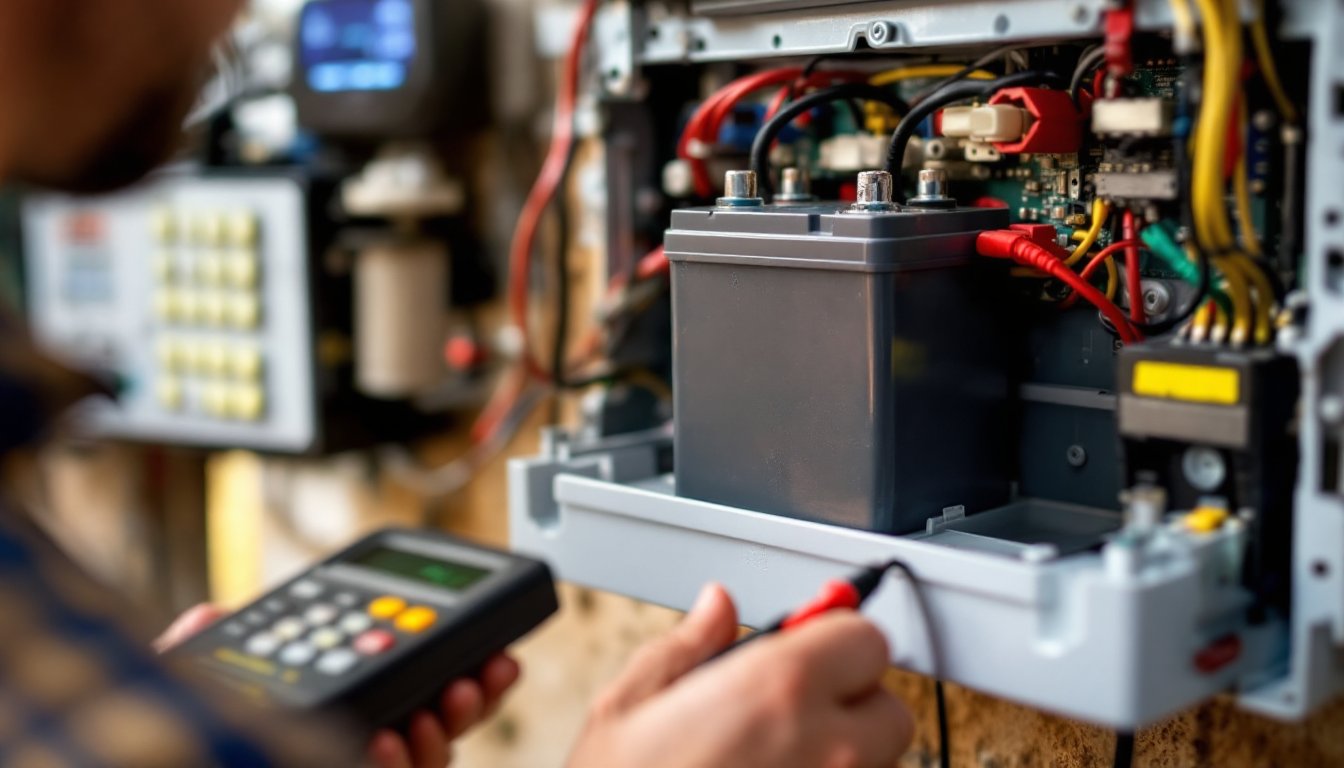
Traditional hardwired systems remain the gold standard for larger spaces and demanding environments. They run on dedicated lines (separate from your data network) and use battery backup, so a power cut or internet outage doesn’t disable them. Installation is more invasive, drilling, running wire through walls, but the uptime reliability justifies the effort for high-value properties.
Wireless systems shine when you need flexibility. Sensors communicate via encrypted radio signals, making them ideal for rental spaces or offices where wall modification isn’t an option. Battery-powered sensors last 3–5 years before replacement, and modern systems let you add or move sensors without rewiring. The trade-off: wireless signals can be blocked by heavy metal structures or interference, so site assessment matters.
Hybrid systems, combining wired backbone with wireless sensors, offer the best of both worlds. You get the reliability of hardwired main components with the flexibility of wireless add-ons. This approach scales well as your business grows.
Monitored vs. Unmonitored Systems
Here’s where most small business owners make their first real choice. An unmonitored system sounds an alarm and sends a notification to your phone. You’re responsible for calling police. Upfront costs are lower ($500–$1,500 for equipment), and monthly fees are minimal or nonexistent.
The catch? Response depends entirely on you. If you’re out of town or asleep, precious minutes pass before police arrive. Thieves know this, and they’ll work fast.
Monitored systems connect your alarm to a 24/7 professional monitoring center. When a sensor triggers, the center receives an alert, verifies the alarm (usually by calling you first), and dispatches police if needed. This happens whether you’re awake, out of state, or unreachable. Monthly monitoring costs run $20–$50, but you get response times measured in minutes, not hours.
For small businesses storing valuable inventory or handling sensitive data, monitoring is worth every penny. Insurance discounts often cover the monthly cost anyway. If your business is low-risk (a small office with minimal overnight assets), unmonitored might work, but be honest about the gaps.
Key Features to Look For
A basic alarm system detects entry points and sends an alert. A good one does all that plus gives you intelligence. Start with entry point coverage: doors, windows, and overhead doors all need sensors. For a ground-floor retail space, that’s obvious. For a second-story office, don’t assume the roof access or loading dock are less important.
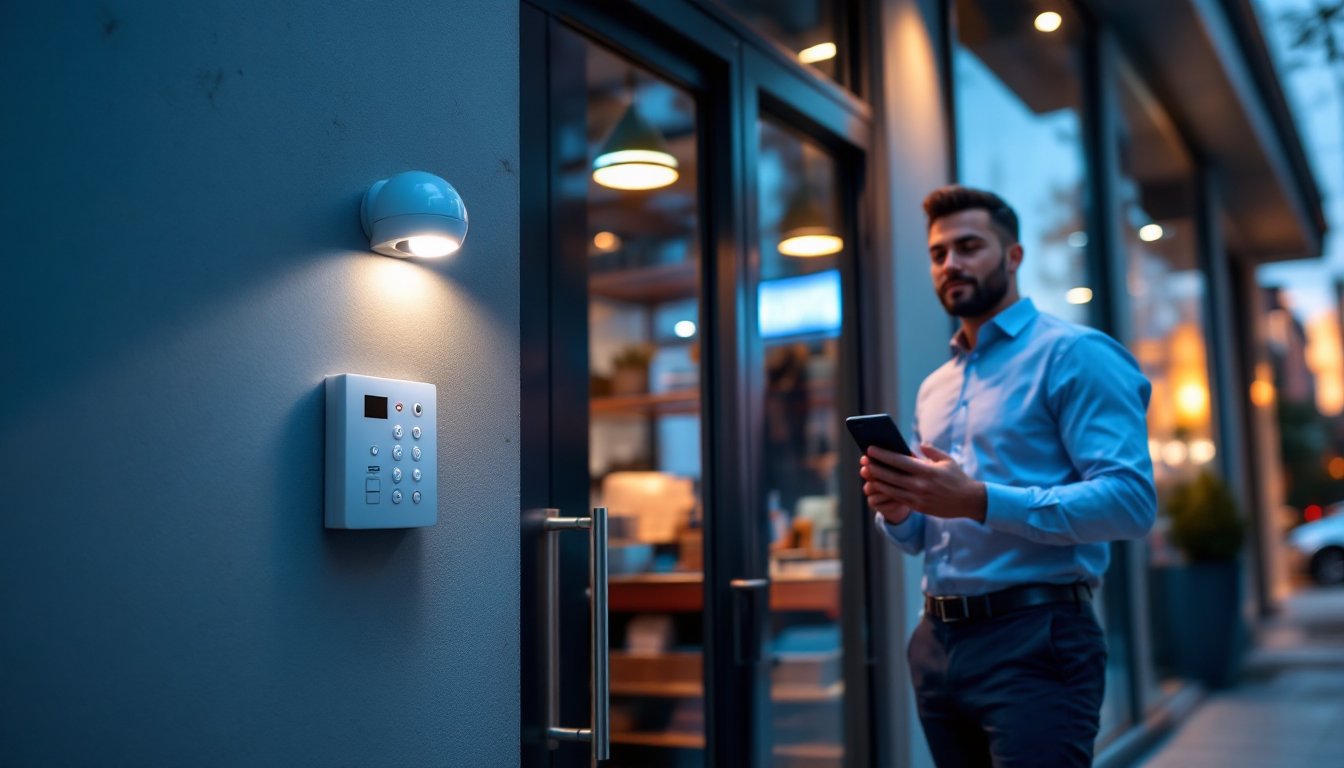
Motion sensors catch intruders moving through the space, especially useful in open-plan areas where installing contact sensors on every window isn’t practical. Make sure your system supports both immediate sensors (trigger an alarm instantly) and delayed sensors (allow time to disarm during normal entry). A motion detector alarm system can be positioned strategically to monitor high-value zones while avoiding false alarms from pets or moving curtains.
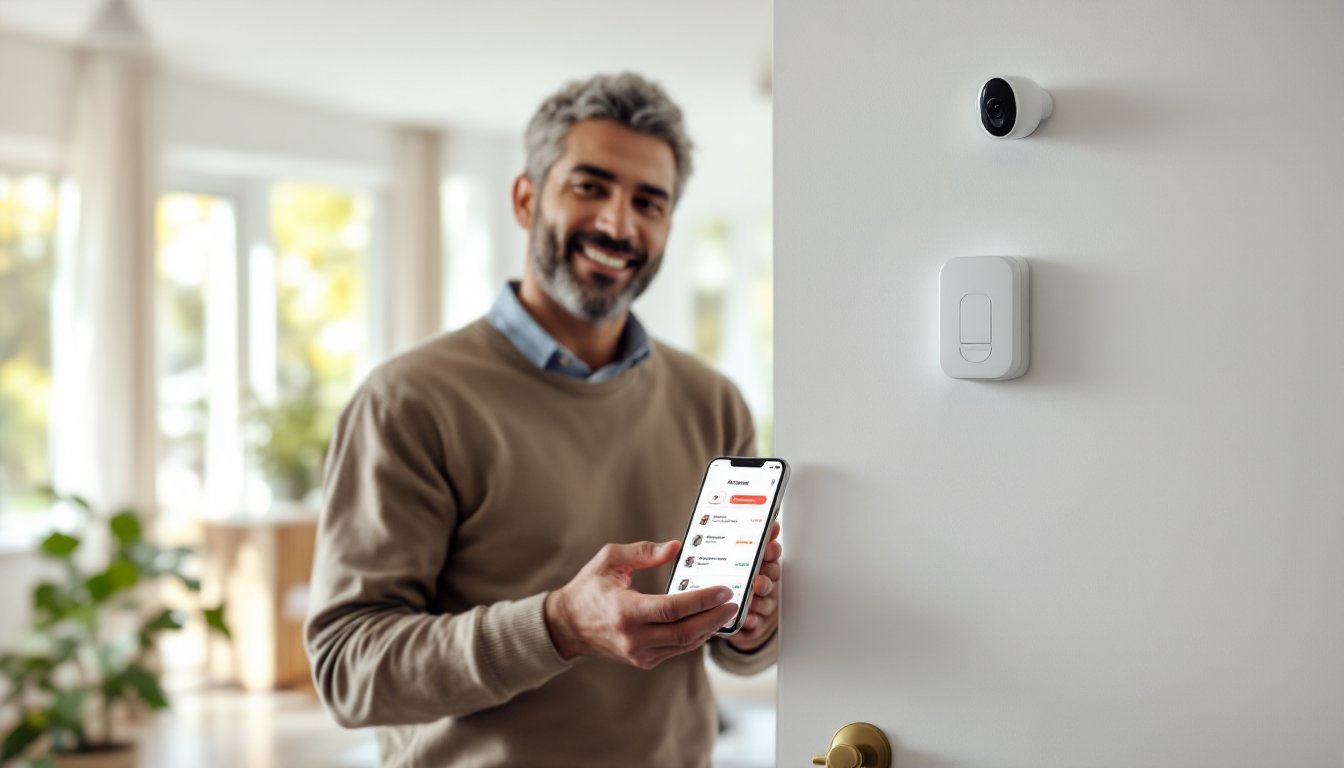
Smartphone integration isn’t a gimmick, it’s operational. You want to arm and disarm your system remotely, receive alerts on-site, and check camera feeds from your phone. Modern systems integrate with smart home technology for seamless control, and some tie into access control so you can lock doors or trigger lights remotely.
Video surveillance integration strengthens your system. Alarms alert you: cameras record evidence. Ensure your system supports at least local storage (SD card or hard drive backup) plus cloud storage so a thief can’t destroy on-site drives. Many modern systems now offer cloud-based recording with encrypted storage.
Backup battery and cellular backup are non-negotiable. Your internet might drop: your power might fail. A system that goes silent when the power cuts is worthless. Ensure 24–48 hours of battery backup and cellular connectivity (independent of your internet) so monitoring never lapses.
Customizable zones and schedules let you arm parts of your space while leaving others active. Your office building might have 24-hour building access, but you want the vault or server room armed even during business hours. The system should support this without constant manual override.
Installation and Cost Considerations
Installation costs split into two buckets: DIY or professional. A wireless system can be installed in an afternoon, stick sensors on entry points, mount the control panel, download the app. Total outlay: $400–$1,200 for decent equipment. This works for small, straightforward layouts with fewer than 8–10 sensors.
A hardwired system demands professional installation. Technicians run cables through walls, install sensors at every entry point, and integrate everything with a control panel. For a 3,000–5,000 sq. ft. business, expect $2,500–$5,000 in installation labor plus equipment. It’s a bigger upfront investment, but it’s done right, and it’s scalable, adding a sensor later costs far less than retrofitting wiring.
Monitoring plans vary. Basic plans run $15–$30/month: premium plans with additional sensors or video cloud storage jump to $40–$80/month. Some providers offer discounts if you prepay annually (10–15% savings), which makes sense if you’re confident in the provider.
Here’s what often surprises owners: the wired home alarm system installation timeline. If your building has concrete or steel studs, drilling for new runs takes longer. If you’re renting, your landlord might restrict wall modification, pushing you toward wireless. If you’re in a building with existing alarm infrastructure, a professional installer can often leverage old conduit and runs, cutting labor by 30–40%.
Permits and inspections rarely apply to commercial alarm systems unless you’re modifying electrical service or adding backup generators. That said, some municipalities require alarm registration, and some insurance policies require professional certification. Ask your provider and your insurance agent before committing.
A local alarm installation specialist can assess your exact space, pull permits if needed, and ensure the system meets local fire and safety codes. While self-installation saves money upfront, a professional catches mistakes, like placing motion sensors in high-traffic hallways where they’ll trigger false alarms, that cost you in frustration and monitoring fees.
Conclusion
A small business alarm system is an insurance policy you can actually use. It deters theft, documents evidence, and gives you peace of mind that doesn’t depend on you being awake at 3 a.m. Start by assessing your actual vulnerabilities: What are your high-risk entry points? What assets need protection? Do you have 24/7 staff or just daytime operations? Your answers determine whether you need a simple wireless setup or a comprehensive monitored system with video integration.
The best system is the one you’ll actually use. If arming your alarm takes five minutes every night, you’ll skip it half the time. If it’s a tap on your phone, you’ll do it every shift. Factor ease of use into your decision as much as features and cost.