Home security doesn’t have to drain your wallet or require professional installation that locks you into expensive contracts. If you’re looking for an affordable, DIY-friendly alarm system that you can set up yourself, the Wyze home security system stands out as a practical choice for homeowners who want control over their own setup. Whether you’re protecting a starter home, a rental property, or just want backup security without the subscription overhead, understanding what Wyze offers, and whether it fits your needs, is worth your time. This guide walks you through the essentials so you can make an well-informed choice.
Table of Contents
ToggleKey Takeaways
- The Wyze alarm system is an affordable, DIY-friendly home security solution that eliminates expensive professional installation and long-term contracts.
- Installation requires no wiring or special tools—simply place the hub, pair sensors via the Wyze app, and use adhesive backing to stick door/window and motion sensors throughout your home in 30–45 minutes.
- Wyze’s pricing model starts at $100–$200 for a starter kit with optional monitoring at ~$5/month, making it significantly cheaper than traditional alarm companies charging $500–$1,500 upfront plus monthly fees.
- A Wyze alarm system works best for renters, budget-conscious homeowners with reliable WiFi, and those wanting self-monitoring or backup security alongside existing systems.
- Consider alternatives if you need professional monitoring from day one, live in areas with poor WiFi coverage, or require advanced environmental sensors beyond basic door/window and motion detection.
What Is the Wyze Alarm System?
The Wyze home security system is an entry-level, wireless alarm kit designed for homeowners who want monitoring without the traditional alarm company overhead. It’s a modular system, meaning you buy a base hub and add sensors as needed, door/window contact sensors, motion detectors, and a keypad, rather than paying for a full pre-packaged install.
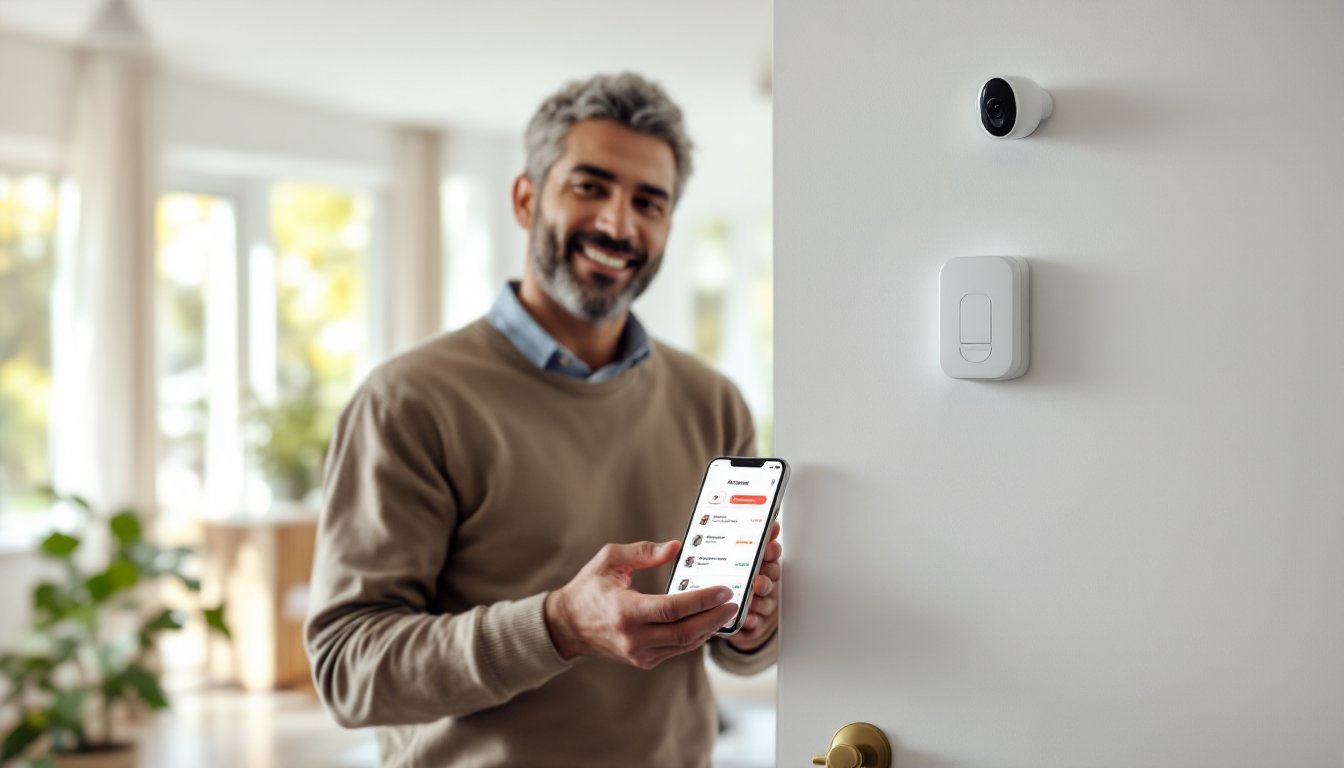
Unlike professional monitored systems that require technician visits and long-term contracts, Wyze positions itself as a self-installed solution. You buy the kit, install the components yourself, and monitor via a smartphone app. The system can send push notifications and alerts in real-time, letting you know when doors open, motion is detected, or your hub detects trouble. Some users pair this approach with professional monitoring for an added layer of service, but that’s optional, you’re not locked into it.
Key Features and Capabilities
Smart Hub and Sensor Integration
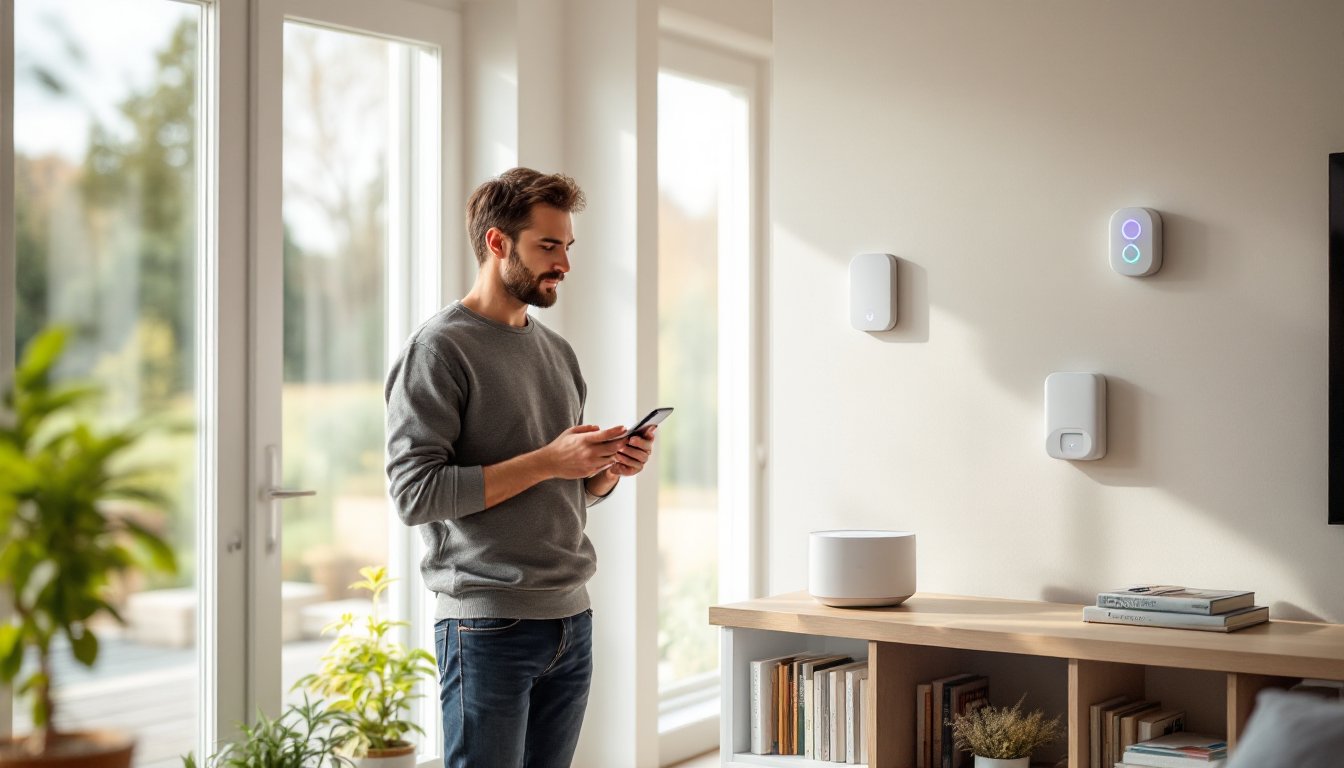
At the core is the Wyze Hub, a small white base station that connects to your home WiFi and acts as the brain of the system. It communicates with all your wireless sensors via Zigbee, a low-power mesh protocol that typically provides reliable range throughout a standard home.
The system includes door and window sensors, thin magnetic contact switches that trigger an alert when a door or window opens. Unlike more expensive systems, Wyze sensors are straightforward and don’t require complex wiring, they’re adhesive-backed and stick to your frame. Motion sensors use passive infrared to detect movement and can be fine-tuned to ignore pets up to a certain weight.
A wireless keypad lets household members arm and disarm the system without pulling out a phone every time. Wyze also integrates with other Wyze devices, cameras, smart lights, locks, so you can create automation routines. For example, motion detected by a sensor can trigger cameras to record or lights to turn on.
According to independent reviews, the Wyze Home Monitoring system, which appeals to budget-conscious homeowners. The entry sensors work reliably, though some users report occasional WiFi connectivity issues in homes with poor signal strength in certain rooms.
Installation and Setup Process
Installation is genuinely DIY-friendly, no drilling into studs, running wires through walls, or hiring an electrician. Here’s the typical process:
-
Unbox and charge the hub. The Wyze Hub runs on power adapter (not batteries), so place it centrally in your home where WiFi signal is strong and it can “see” your sensors via Zigbee range (typically 50–100 feet in open space, less through walls).
-
Download the Wyze app and create an account. Link your hub to WiFi. The app walks you through pairing each sensor by holding it near the hub until they communicate.
-
Install sensors. Peel the adhesive backing and stick door/window sensors to frames and doors. Orientation matters, keep the magnet aligned with the sensor. If you prefer not to use adhesive (renting, maybe?), command strips or small brackets work as alternatives.
-
Place motion sensors in high-traffic areas: hallways, main rooms, or entryways. Avoid direct sunlight or heat sources, which can trigger false alerts. Mount them 5–6 feet high on a wall corner or shelf.
-
Set up automations and modes. Arm the system in “Home” mode (perimeter sensors armed, interior motion ignored) or “Away” mode (everything armed). Custom rules can trigger notifications or actions when sensors activate.
The whole process typically takes 30–45 minutes for a basic 2–3 bedroom home. No special tools needed, adhesive backing handles most installs, though a small level helps ensure sensors sit flush. The Tom’s Guide review notes, though it recommends double-checking signal strength in larger homes or those with thick walls.
Pricing and Plan Options
Wyze’s pricing model hinges on one key advantage: you pay once for hardware, then choose your monitoring level.
Hardware costs typically run $100–$200 for a starter kit (hub + 2–4 sensors + keypad), depending on what’s included. Individual sensors cost $20–$30 each, so expanding coverage is affordable. Compare this to traditional alarm companies, where you might pay $500–$1,500 upfront plus $30–$70 monthly monitoring fees.
Monitoring options:
- Wyze Care Plus (optional subscription): ~$4.99/month for professional monitoring, cloud video storage, and extended device coverage.
- Free local monitoring: Use the app yourself, push notifications, siren activation, but no professional dispatch if you don’t respond.
- Hybrid approach: Many users skip the monitoring fee and instead rely on home cameras (Wyze or third-party) plus their own response plan.
No long-term contracts. Cancel anytime. For renters or anyone hesitant to commit to a security service, this flexibility is valuable. Homeowners focused purely on deterrence and self-monitoring often skip the subscription entirely, which keeps ongoing costs near zero.
Is Wyze Right for Your Home?
Wyze suits certain scenarios well and falls short in others. Ask yourself these questions:
Choose Wyze if you:
- Rent or plan to move within a few years (no wiring, easy to uninstall and reinstall).
- Want a low upfront cost and flexibility on monitoring.
- Have reliable WiFi throughout your home (Wyze relies on it).
- Prefer self-monitoring or want a backup to professional monitoring you already have.
- Need to expand gradually, add one sensor at a time as your budget allows.
Consider alternatives if you:
- Live in an area with frequent WiFi outages or have poor signal strength in key zones (cellular-backup systems like ADT or Vivint may be better).
- Require professional monitoring from day one and value the accountability.
- Want hardwired reliability, you’re building a new home or doing extensive renovation (a wired home alarm system eliminates WiFi dependence).
- Have complex security needs like environmental sensors (glass break, smoke/CO) beyond basic door/window/motion detection.
The reality: Wyze is excellent at what it does, affordable, self-installed basic security. It’s not a replacement for professional monitored systems if that’s your priority. Pairing it with motion detector alarm systems in critical areas or combining it with existing online alarm systems can enhance coverage. Read hands-on reviews like the Digital Trends evaluation of, including occasional connectivity hiccups and limitations in very large homes.
Conclusion
The Wyze home security system delivers solid value for DIY homeowners who want control, affordability, and simplicity. Installation is genuinely manageable, no wires, no contractors, no long-term lock-in. It won’t replace professional monitored security for those who demand it, but as a self-installed, budget-friendly first step or supplementary system, it works. Measure your WiFi strength, decide what monitoring level fits your comfort level, and start small. You can always expand later.